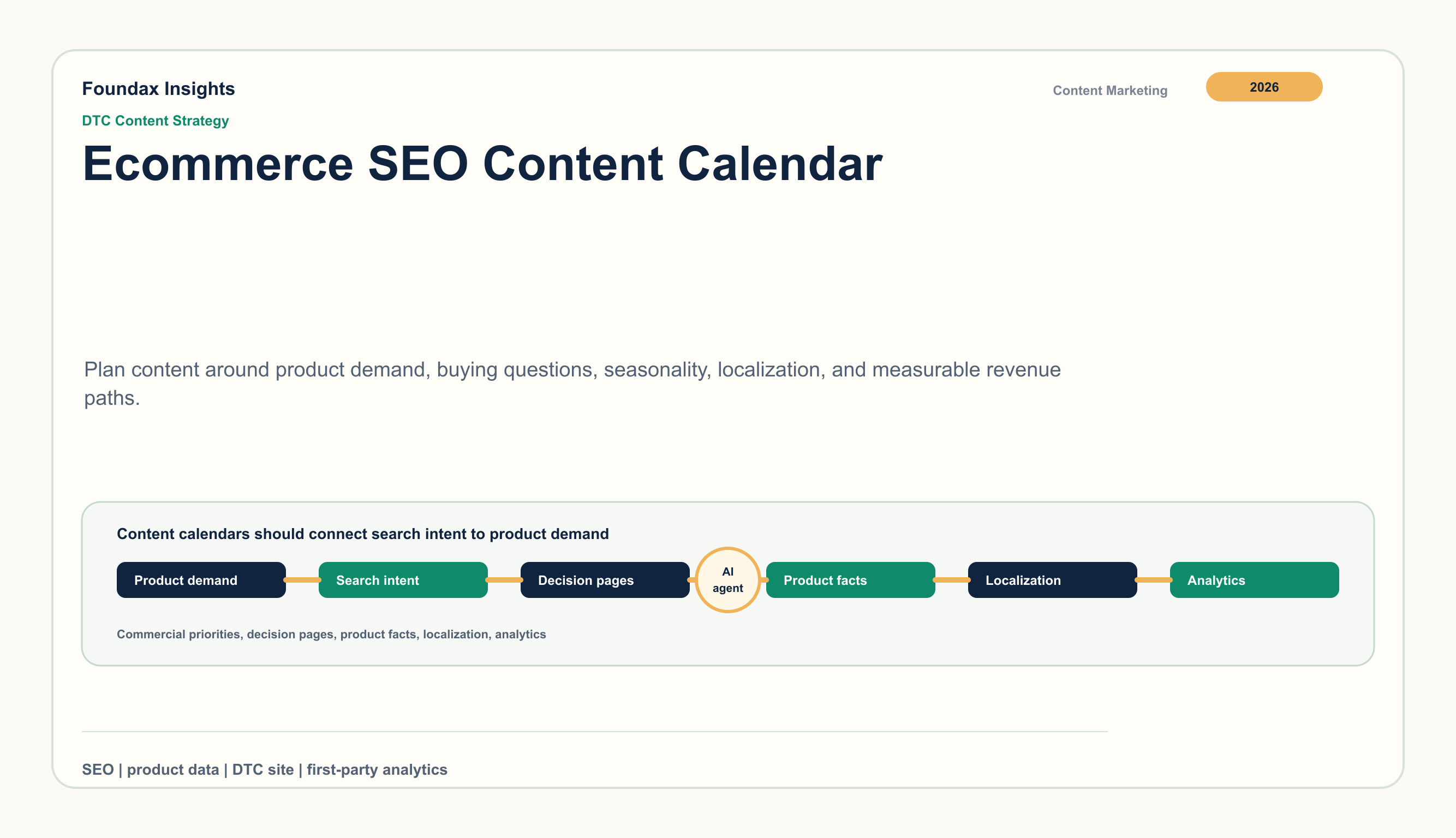
Most ecommerce content calendars fail before the first article is written. The spreadsheet may look organized, but the planning logic is wrong: week one is a blog post, week two is another blog post, week three is a trend article, and week four is whatever the team can finish before the deadline.
That is a publishing calendar, not a growth system.
A DTC brand does not need more content slots. It needs a calendar that connects product demand, inventory, seasonality, search intent, localization, internal links, structured data, and post-publish measurement. Otherwise the team produces articles that may get impressions but do not help shoppers choose, compare, trust, or buy.
The better question is not "How many posts should we publish this month?" It is: "Which buying decisions are we failing to support, and which pages should help support them?"
Start With The Commercial Calendar, Not The Editorial Calendar
DTC content planning should begin with the business rhythm. Products have launch windows, replenishment cycles, campaign periods, seasonal peaks, sizing questions, policy concerns, and market differences. Search demand follows those rhythms more often than editorial teams admit.
A skincare brand has different content needs before summer humidity, winter dryness, a new ingredient launch, and a subscription push. A luggage brand has different content needs before spring break, graduation travel, summer flights, and holiday gifting. A home brand has different needs before moving season, wedding season, and Q4 hosting.
If the content calendar ignores those moments, it becomes detached from the product calendar. The team may publish consistently while the site still fails to answer the questions that block revenue.
A stronger DTC SEO calendar starts with five inputs:
- Which products or categories matter commercially this quarter?
- Which buying questions stop shoppers from moving forward?
- Which pages already receive search impressions but need better conversion paths?
- Which seasonal or market events change the way shoppers search?
- Which content gaps make product data, Merchant Center fields, or localized pages look incomplete?
This turns content planning from "what can we write?" into "what decision should this page help with?"
Map Content To The Buying Decision, Not Only The Keyword
Keyword research still matters, but ecommerce content cannot stop at keyword volume. A keyword is usually a symptom of a buying decision.
Someone searching "best linen sheets for summer" is not only looking for a list. They are trying to understand breathability, fabric weight, washing behavior, wrinkling, durability, price range, and whether linen is better than cotton for hot weather. A page that only repeats the phrase "best linen sheets" has weak commercial value. A page that explains how to choose, then routes the shopper to the right products, has a job.
A useful content calendar should cover four decision layers.
Category decisions: pages that explain how to choose inside a category. These support queries like "how to choose a carry-on," "linen vs cotton sheets," or "which moisturizer for humid weather." They should connect directly to category pages and top PDPs.
Product decisions: pages that reduce hesitation around one product or product family. These include fit guides, material explainers, care guides, compatibility pages, warranty explanations, and "which size should I buy" content.
Comparison decisions: pages that help shoppers understand tradeoffs. These do not need to attack competitors. A strong comparison can explain model A vs model B, material A vs material B, bundle vs single item, or premium vs entry-level line.
Market decisions: localized pages that adjust examples, units, delivery expectations, payment norms, climate, policy language, and search phrasing for a market. Translation alone is rarely enough for ecommerce SEO because the buying question itself changes by market.
When a calendar covers those layers, it stops being a list of blog topics and becomes a map of purchase friction.
The Five Content Types Worth Scheduling
The goal is not to publish every possible format. The goal is to schedule the formats that support a real commercial path.
1. Decision Guides
Decision guides help shoppers choose. They work best when a category has multiple product types, unclear attributes, or high consideration.
Examples:
- How to choose a carry-on for a two-week trip.
- How to choose running shoes for wide feet.
- Linen vs cotton sheets for hot sleepers.
- Which vitamin C product fits sensitive skin?
A strong decision guide should include the shopper's constraints, the attributes that matter, tradeoffs, product links, and a clear next step. It should not be a generic educational article floating outside the store.
2. Fit, Size, Care, And Compatibility Pages
These pages often look less glamorous than thought-leadership posts, but they answer questions close to purchase.
A shoe brand needs sizing and fit content. An apparel brand needs fabric care and body-fit guidance. A furniture brand needs dimensions, assembly, room-size fit, and delivery constraints. A beauty brand needs ingredient compatibility and routine order.
These pages reduce returns, support SEO long-tail demand, and create usable source material for AI-assisted shopping experiences.
3. Comparison Pages
Comparison content works because shoppers compare before they buy. The page can compare your own variants, materials, bundles, or use cases. It can also compare against category alternatives without turning into competitor attacks.
The key is evidence. A useful comparison explains dimensions, materials, weight, durability, ingredients, certifications, price, care, warranty, and who should choose which option. It should be specific enough to help a shopper decide.
4. Seasonal And Campaign Support Pages
Seasonal pages should not be rushed one week before the campaign. Search engines need time to crawl, users need time to discover, and internal teams need time to link from categories, emails, ads, and product pages.
For a DTC brand, a seasonal page is useful when it connects demand to inventory: holiday gift guide, summer skincare routine, back-to-school backpack guide, rainy-season commute gear, wedding guest dress guide, travel capsule wardrobe.
The best seasonal pages can be refreshed each year instead of recreated from zero. That preserves URL equity, historical performance, and operational memory.
5. Localized Market Pages
Localization deserves its own calendar line. It should not be the last task after the English article is finished.
Google's international guidance relies on coherent localized page versions, and language detection still depends on page content. For ecommerce, the local page also needs local market facts: units, size systems, delivery assumptions, policy terms, payment habits, climate, holidays, and search phrasing.
A localized buying guide should feel written for that buyer, not converted from English sentence by sentence.
A Better Quarterly Planning Model
A realistic DTC SEO calendar should plan by quarter, then operate weekly. Quarterly planning is long enough to match seasonality and product priorities, but short enough to adjust when inventory, campaigns, or search data changes.
Step 1: Choose The Commercial Focus
Pick two or three commercial priorities for the quarter. These may be a new product launch, a category with high margin, a product line with strong inventory, a market expansion, or a category where paid acquisition is getting expensive.
Do not start with "we need twelve articles." Start with business questions:
- Which category needs more qualified organic demand?
- Which product has good conversion but weak discovery?
- Which product has traffic but too many pre-purchase questions?
- Which localized market needs more native content support?
- Which campaign will need search demand before paid traffic starts?
Step 2: Build A Decision Backlog
For each priority, list the buying decisions shoppers need help with. Use Search Console queries, on-site search, support tickets, product reviews, return reasons, paid-search terms, sales objections, and Merchant Center product diagnostics.
The backlog may look like this:
| Commercial priority | Shopper decision | Best page type | Connected page |
|---|
| Carry-on luggage | Which size fits international cabins? | Decision guide | Carry-on category |
| Carry-on luggage | Soft-shell vs hard-shell | Comparison page | PDP family |
| Carry-on luggage | What fits inside a 35L bag? | Use-case page | Top PDP |
| Japan market | Is the bag suitable for local rail travel? | Localized guide | Japanese category page |
This table is more useful than a generic monthly blog calendar because every topic has a reason to exist.
Step 3: Assign Pages To The Funnel
A good quarter usually needs a mix:
- Discovery pages: category guides, seasonal guides, market guides.
- Consideration pages: comparisons, use cases, material explainers.
- Decision pages: fit, size, care, shipping, return, warranty, compatibility.
- Retention pages: care routines, replacement cycles, bundle education, replenishment guidance.
This prevents the content team from overproducing top-of-funnel articles while product pages remain unsupported.
Step 4: Connect Every Page Before Publishing
Before a page goes live, decide how it connects:
- Which category page links to it?
- Which PDPs should it link to?
- Which related guide should support the next question?
- Which structured data or product attributes must match the page claims?
- Which localized versions are needed now, and which can wait?
- Which Search Console or analytics view will be used after launch?
If those answers are missing, the article is not ready. It may be written, but it is not operationally connected.
A Sample Quarter: DTC Travel Brand
Assume a travel brand wants to grow organic demand for carry-ons, backpacks, and packing accessories before summer travel.
Month 1: Build the decision foundation
- Decision guide: how to choose a carry-on for international travel.
- Comparison page: hard-shell vs soft-shell luggage.
- Fit page: what fits in a 35L carry-on.
- Category refresh: carry-on category intro, internal links, FAQs, and top product routing.
Month 2: Add use cases and localization
- Use-case guide: packing for a two-week trip with one carry-on.
- Market guide: carry-on luggage for Japan rail and city travel.
- FAQ page: airline cabin size, warranty, lock, wheels, and replacement parts.
- PDP refresh: align dimensions, materials, warranty, shipping, and return copy.
Month 3: Prepare seasonal demand and measurement
- Seasonal page: summer travel packing checklist.
- Bundle guide: carry-on + packing cubes + personal item.
- Comparison page: travel backpack vs roller carry-on.
- Performance review: Search Console queries, assisted revenue, product clicks, on-site search, and content-to-PDP paths.
This is not a high-volume calendar. It is a connected calendar. Each page supports a buying question, links to commercial surfaces, and gives the team something measurable after publication.
Where AI Search Changes The Calendar
AI search does not mean every page needs an FAQ block and a new acronym. It means content has to be easier to understand, extract, compare, and verify.
Google's guidance for AI features keeps pointing back to search fundamentals: useful content, crawlable pages, index eligibility, snippets, Search Console, and analytics. OpenAI's shopping research experience also depends on product information, public sources, merchant data, and structured product attributes.
For content calendars, that means three practical changes:
Write answerable sections. A buying guide should have direct sections for fit, material, use case, limitation, care, shipping, and returns. Long narrative introductions are less useful than clear decision facts.
Keep product facts consistent. If the guide says a bag fits a 16-inch laptop, the PDP, structured data, product attributes, images, and merchant feed should not imply something different.
Refresh content when the business changes. AI-assisted discovery can surface old public facts. If price, availability, materials, sizing, warranty, or policy changes, the content calendar needs a refresh lane, not only new publishing.
How Foundax Supports This Operating Model
Foundax's role is not to tell DTC teams to publish more. It is to keep content, product facts, SEO fields, localization, Google workflows, and analytics closer together.
In practice, this breaks down into five connected steps:
- Product and content teams maintain product facts, SEO fields, media, policies, and localized copy in structured workflows.
- Content Studio turns guides, FAQs, comparisons, and localized explainers into publishable content assets with draft and published states.
- Site SEO, sitemap, robots, Search Console verification, and sitemap submission support discoverability after publication.
- PDP Product JSON-LD and Merchant Center preflight/sync keep product facts closer to channel requirements.
- First-party analytics, with GA4 as supplemental diagnostics, helps teams review whether content drives product exploration and revenue paths.
The important point is alignment. A content calendar performs better when the article, product page, structured data, feed, localized copy, and measurement plan describe the same business reality.
Monthly Review: What To Measure
Do not judge the calendar by how many articles were shipped. Judge it by whether the content improved the purchase path.
Track:
- Search Console impressions, clicks, and query shifts for new and refreshed pages.
- Content-to-category and content-to-PDP click paths.
- Product page engagement after content visits.
- Assisted revenue or lead events from content sessions.
- On-site search terms before and after publishing.
- Support-ticket or return-reason changes for questions the content was supposed to answer.
- Merchant Center product diagnostics and attribute gaps for pages tied to feed visibility.
- Localized page performance by country, language, and device.
A strong review creates the next calendar. If a care guide reduces support questions, expand it. If a comparison page drives product clicks but weak conversion, revise the PDP. If a localized guide gets impressions but low engagement, rewrite the local examples instead of blaming the channel.
FAQ
How many SEO content pieces should a DTC brand publish each month?
Most teams should start with fewer, better-connected pages: two to four meaningful pieces per month, plus refreshes to existing product, category, and guide pages. The right number depends on product complexity, team capacity, and how much content can be properly linked, localized, and measured.
What should be included in an ecommerce SEO content calendar?
Include the commercial priority, buying question, page type, target market, connected category or product page, required product facts, owner, publish date, localization plan, internal links, and post-publish metrics. A topic title alone is not enough.
Are blog posts still useful for ecommerce SEO?
Yes, when they support a real buying decision. A blog post that explains how to choose, compare, use, care for, or size a product can support search discovery and conversion. A generic trend post with no product path usually has weaker commercial value.
How should DTC brands plan localized content?
Plan localization alongside the original page. Decide which markets need their own examples, units, sizing systems, delivery assumptions, policy wording, holidays, and search language. Do not leave localization as a sentence-level translation task at the end.
How does AI search affect content planning?
AI search raises the value of clear, structured, fact-consistent content. Pages should answer specific buying questions, align with PDP facts and structured data, and stay current as products, prices, policies, and availability change.
Related Reading
References