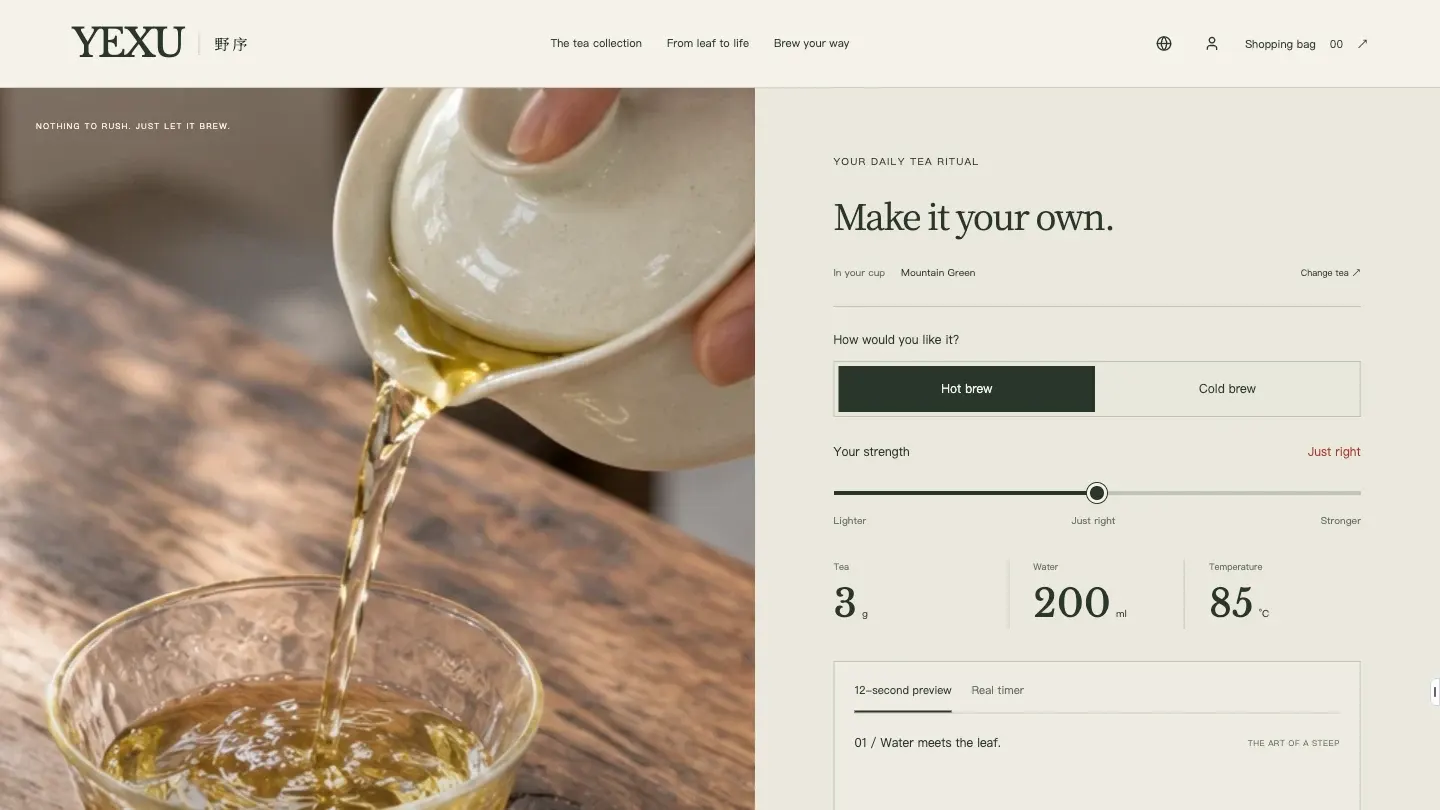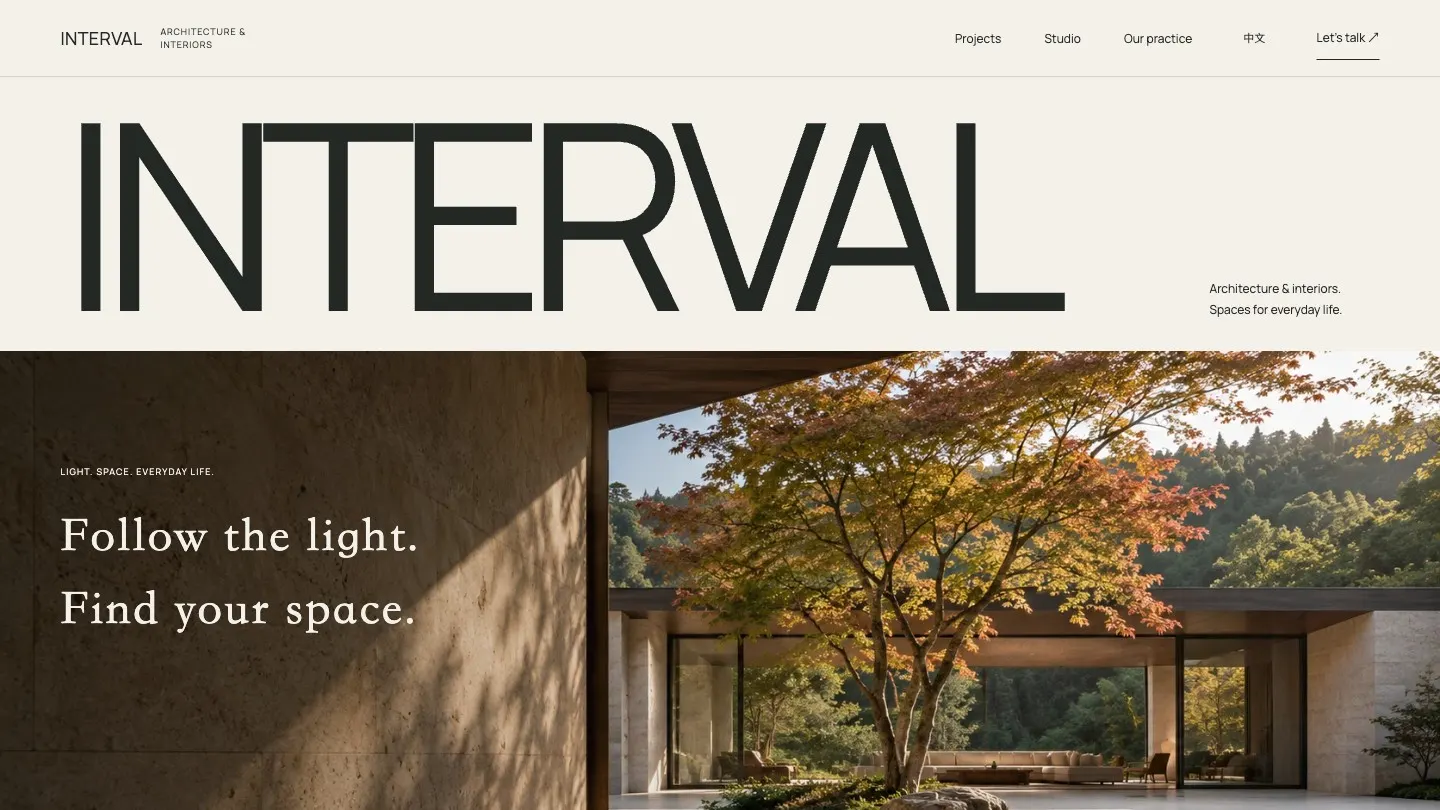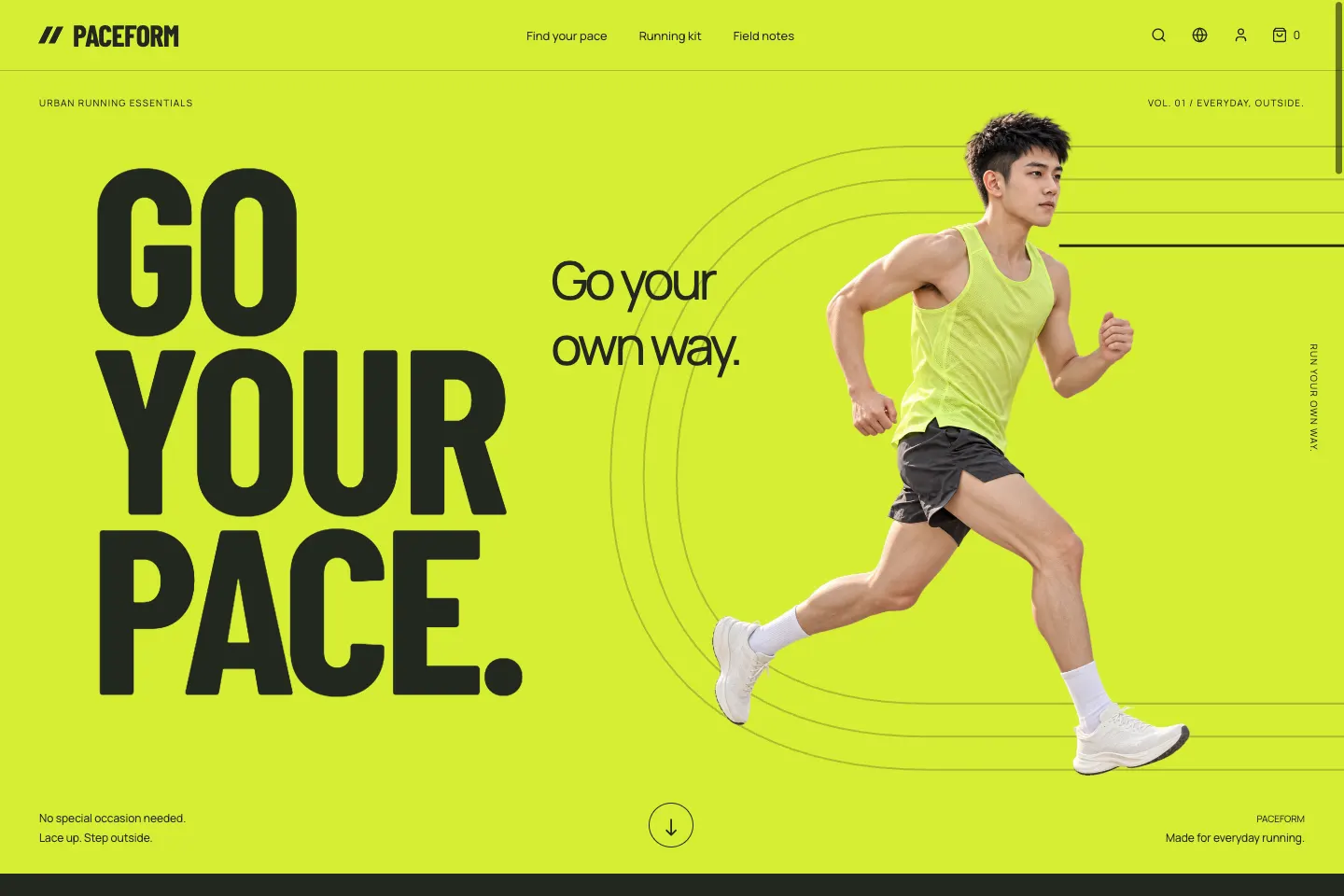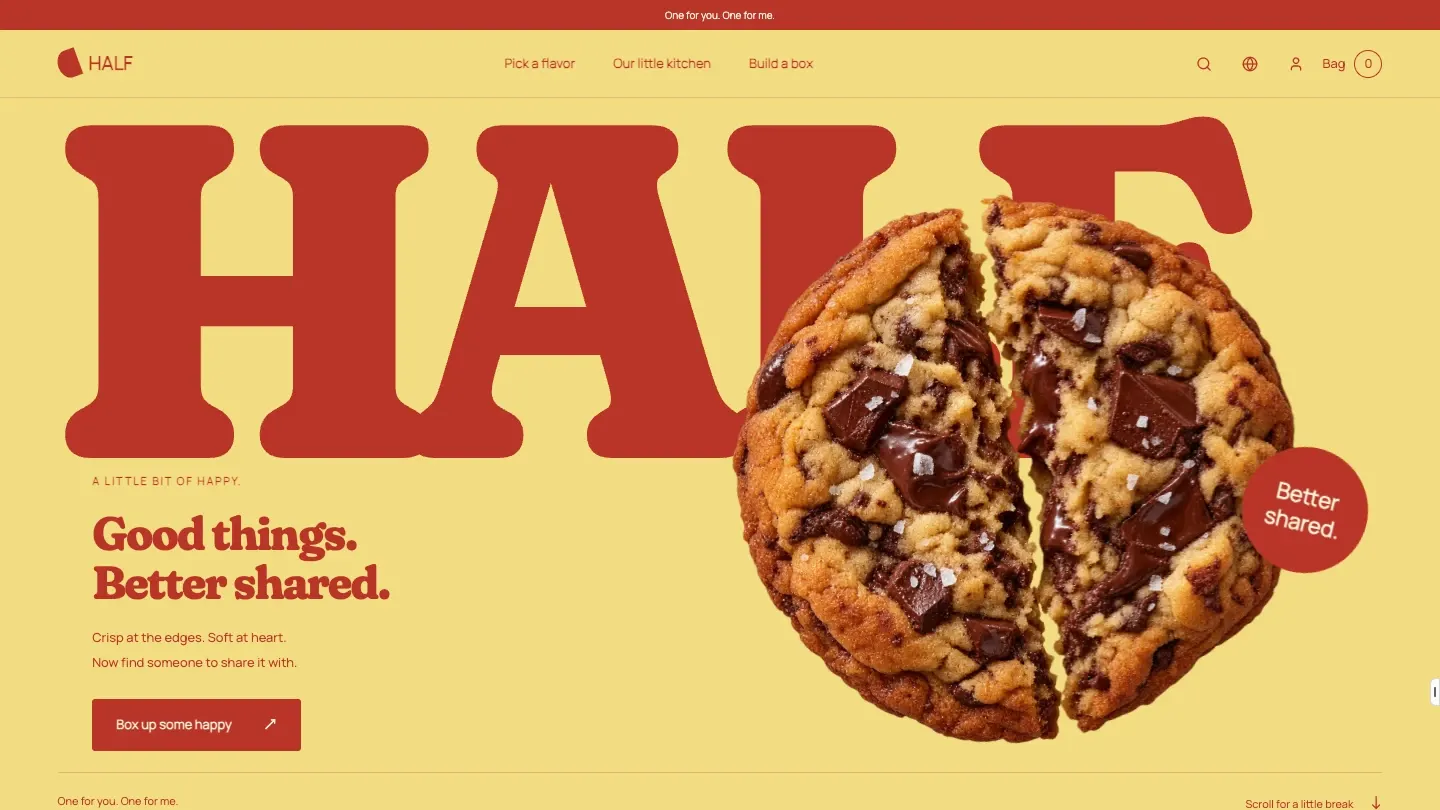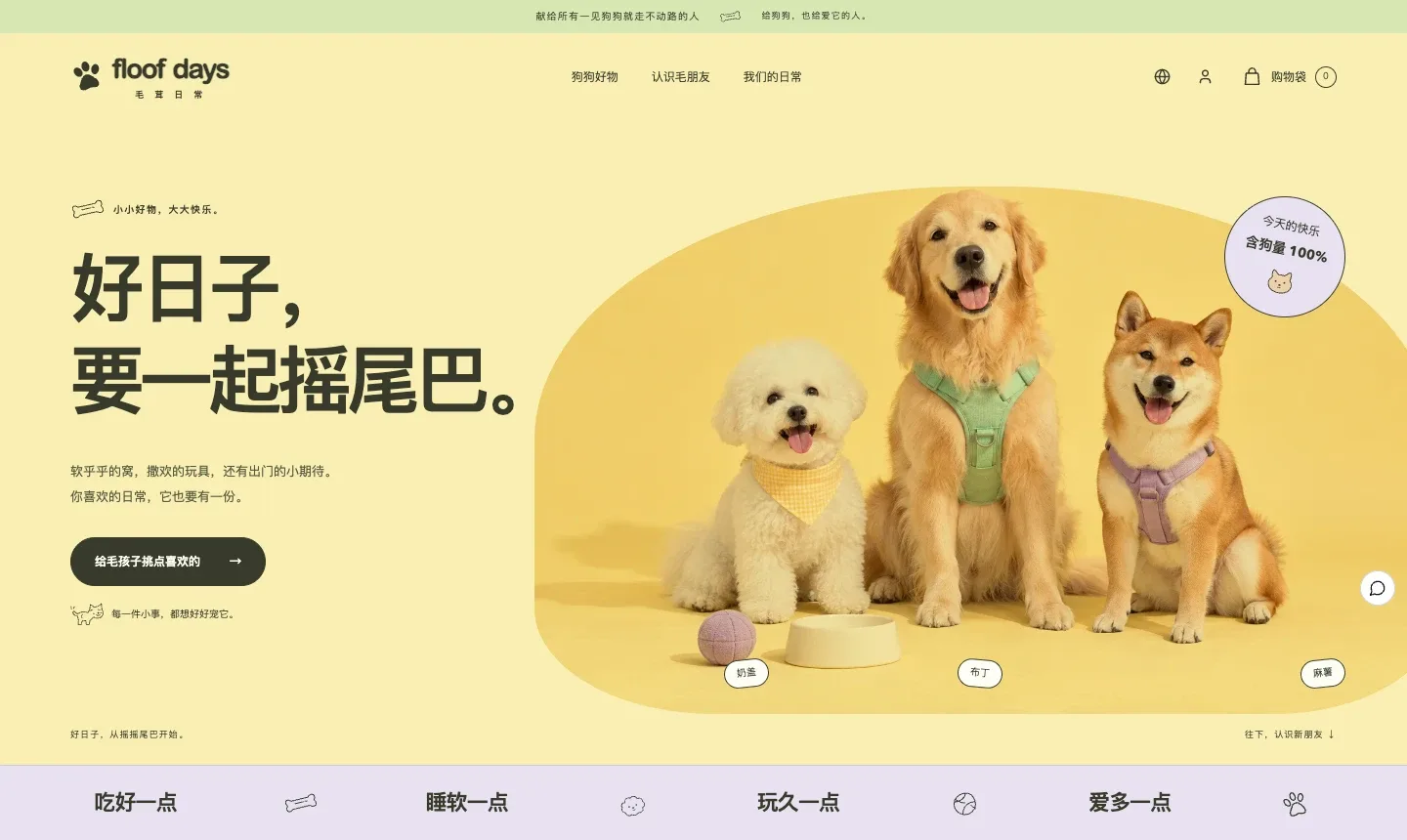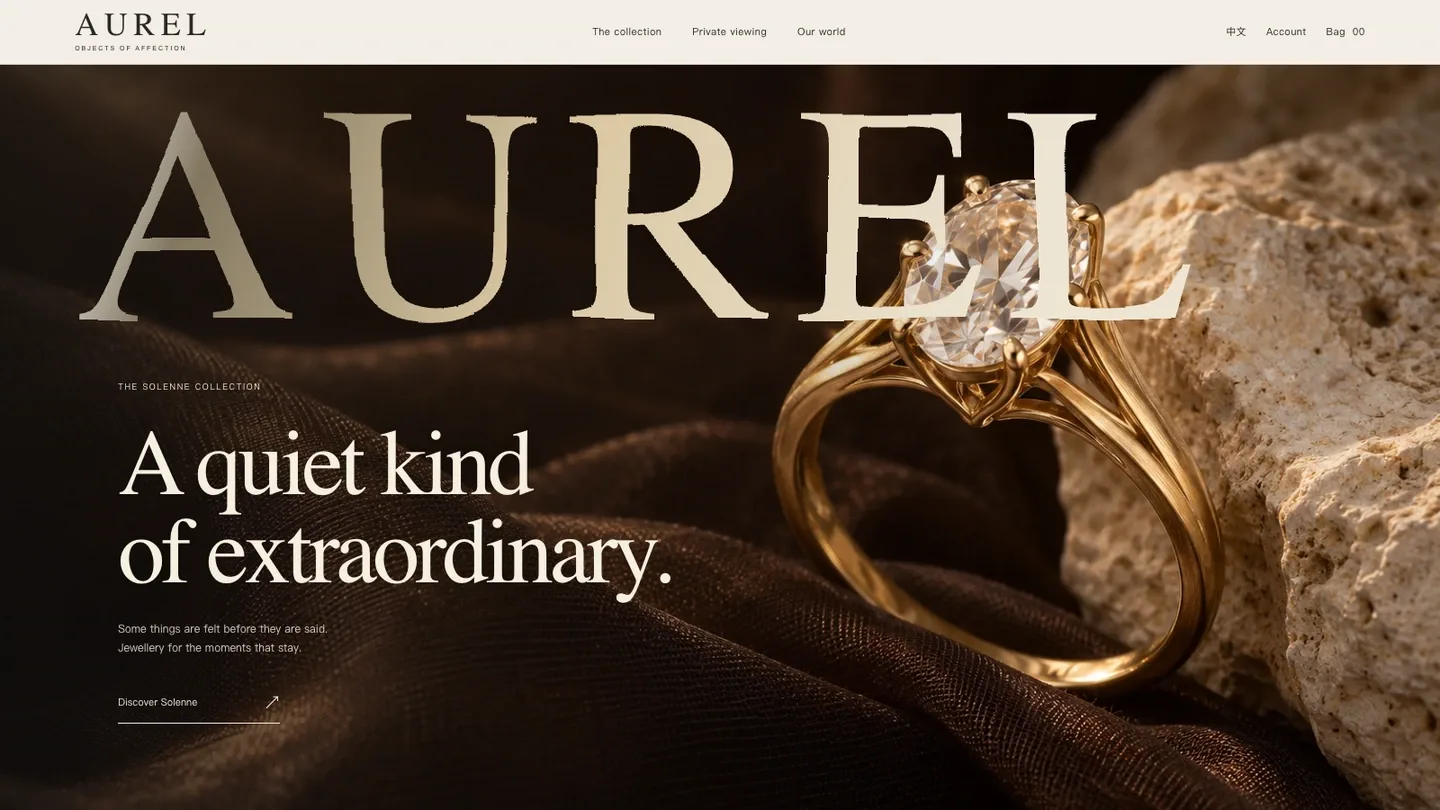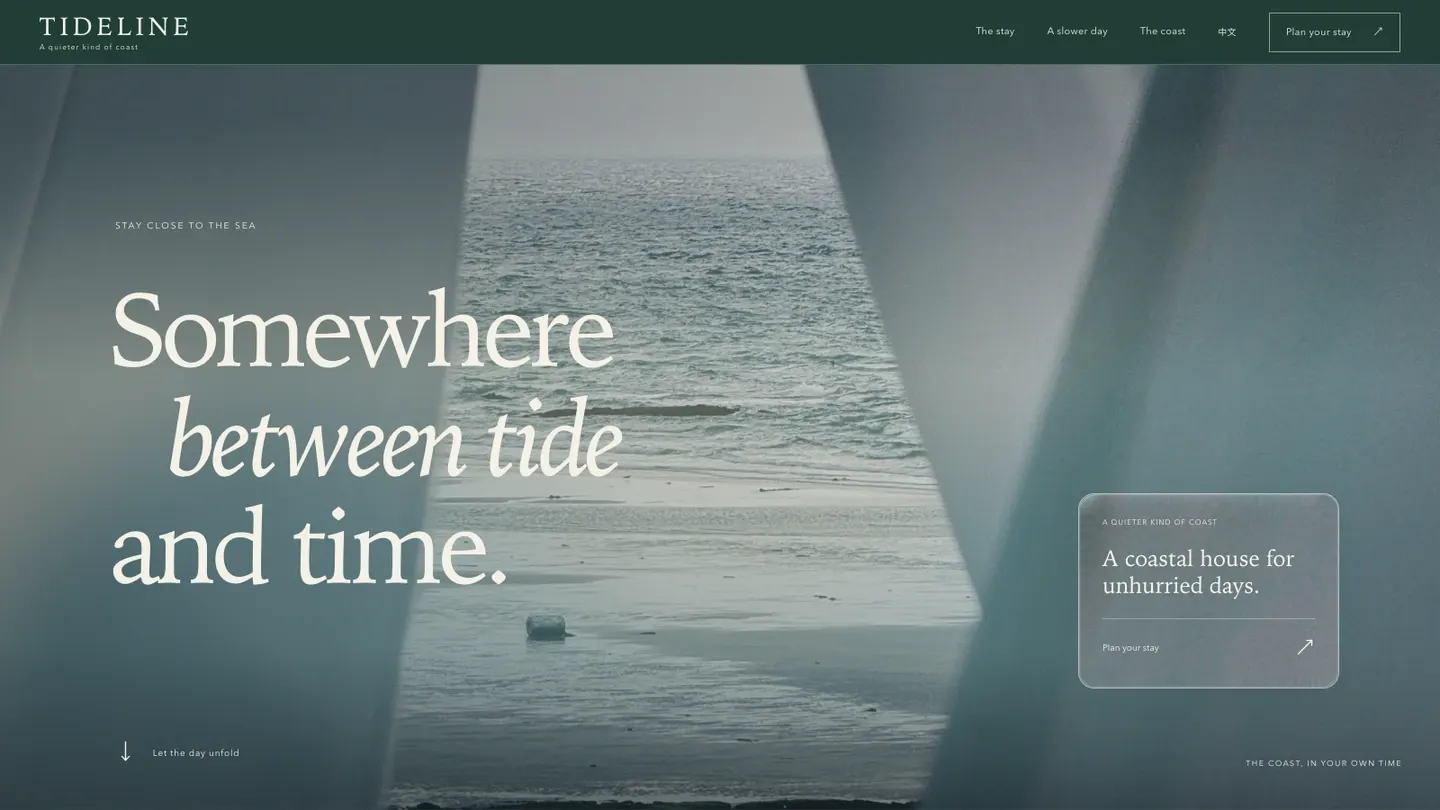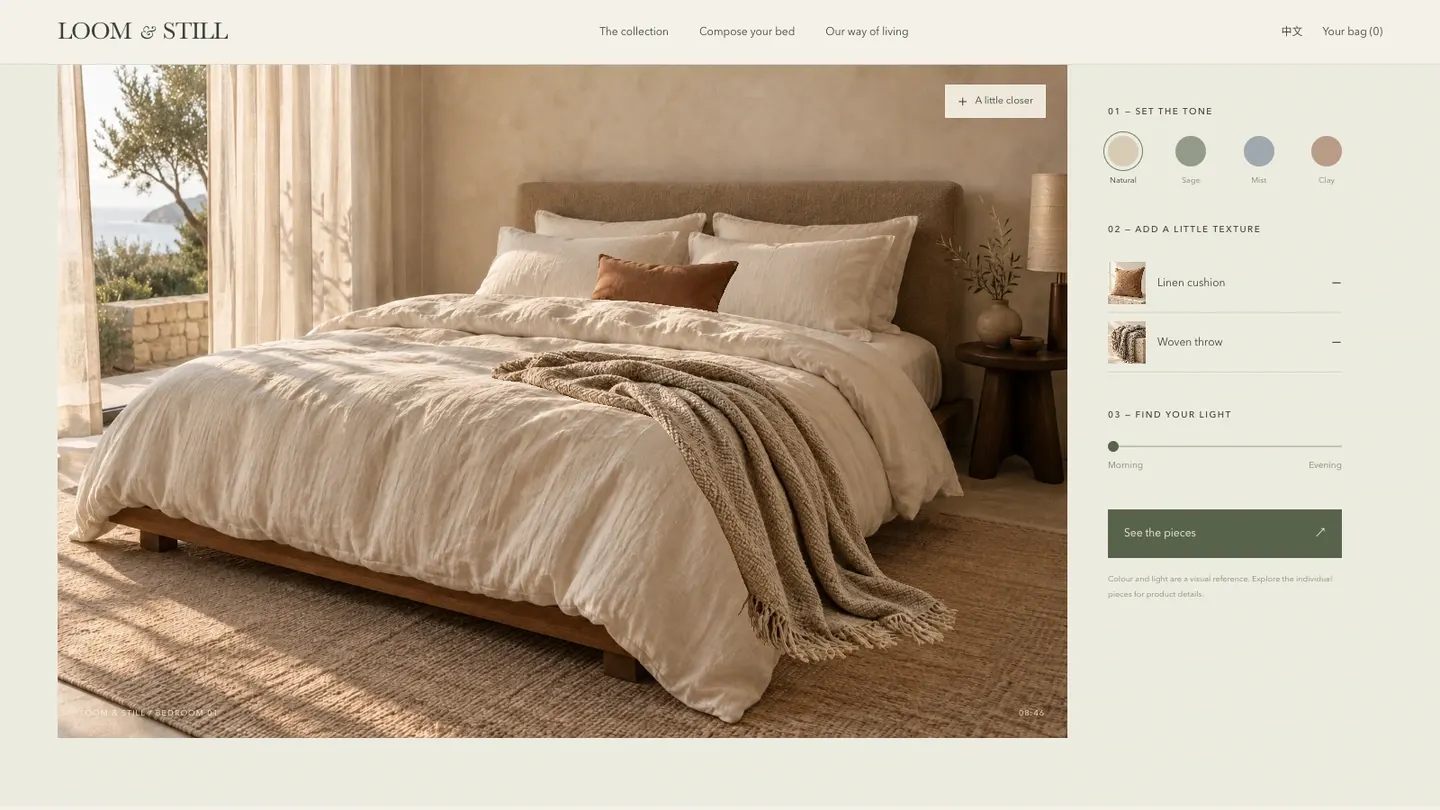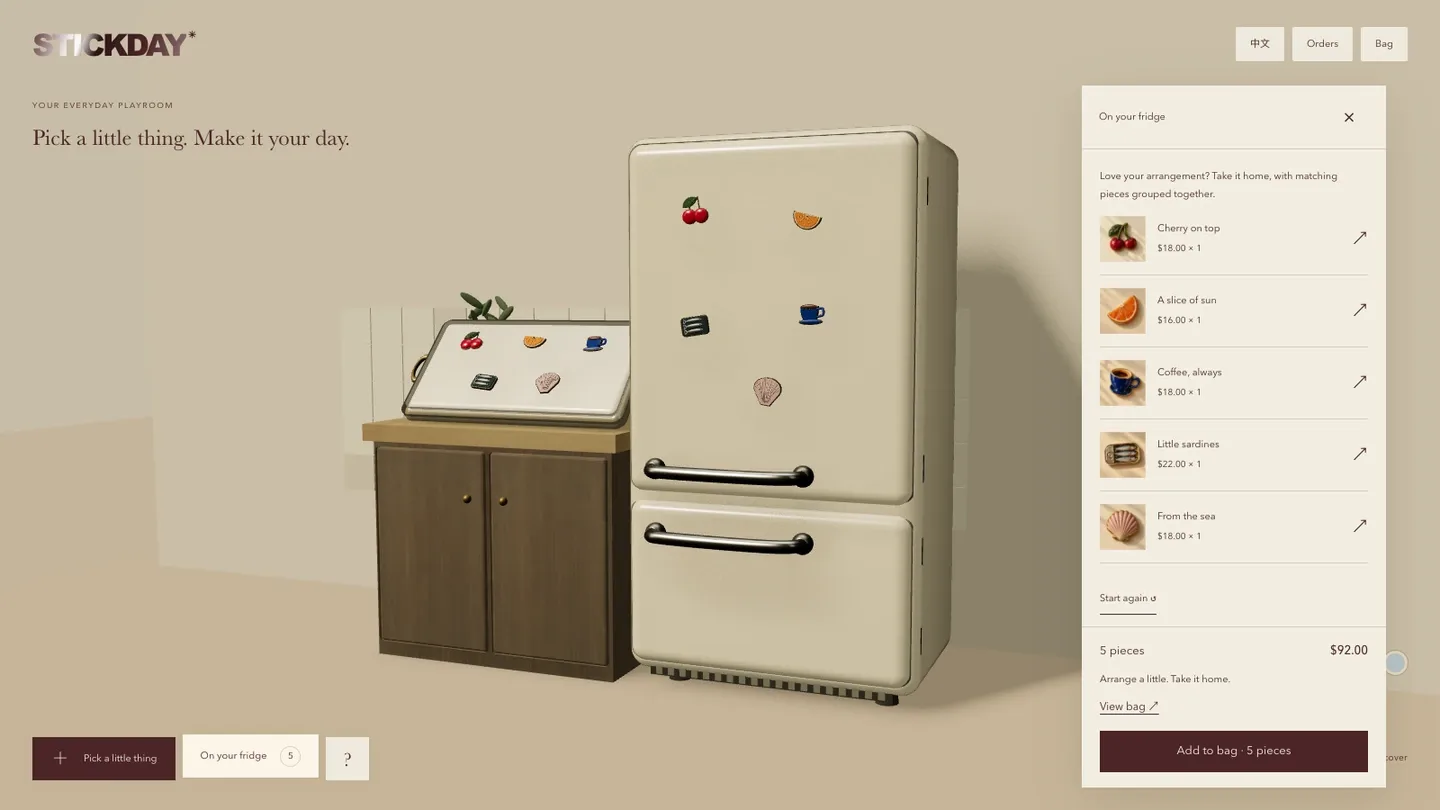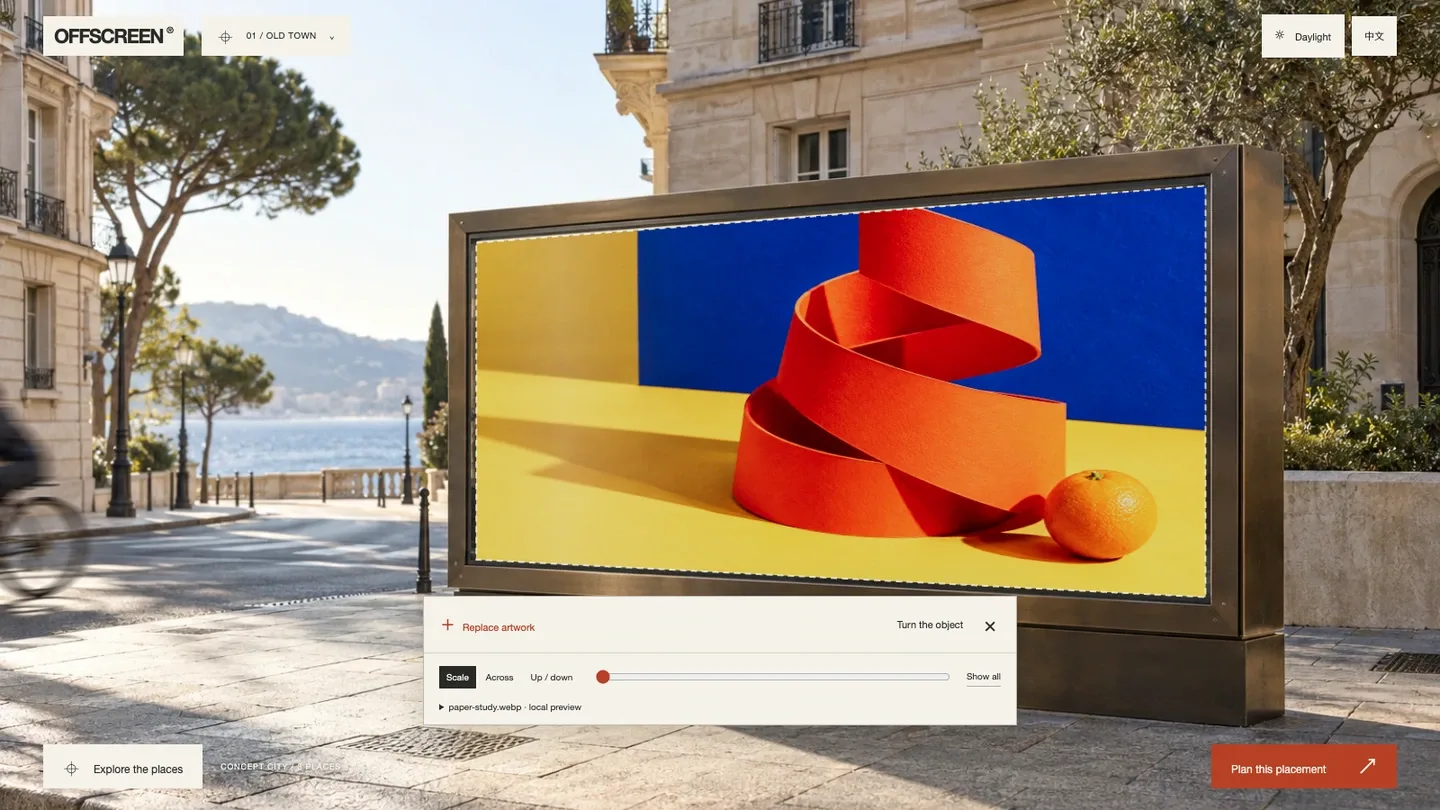


Brand websites
Present your story, products and services, and keep publishing useful content.
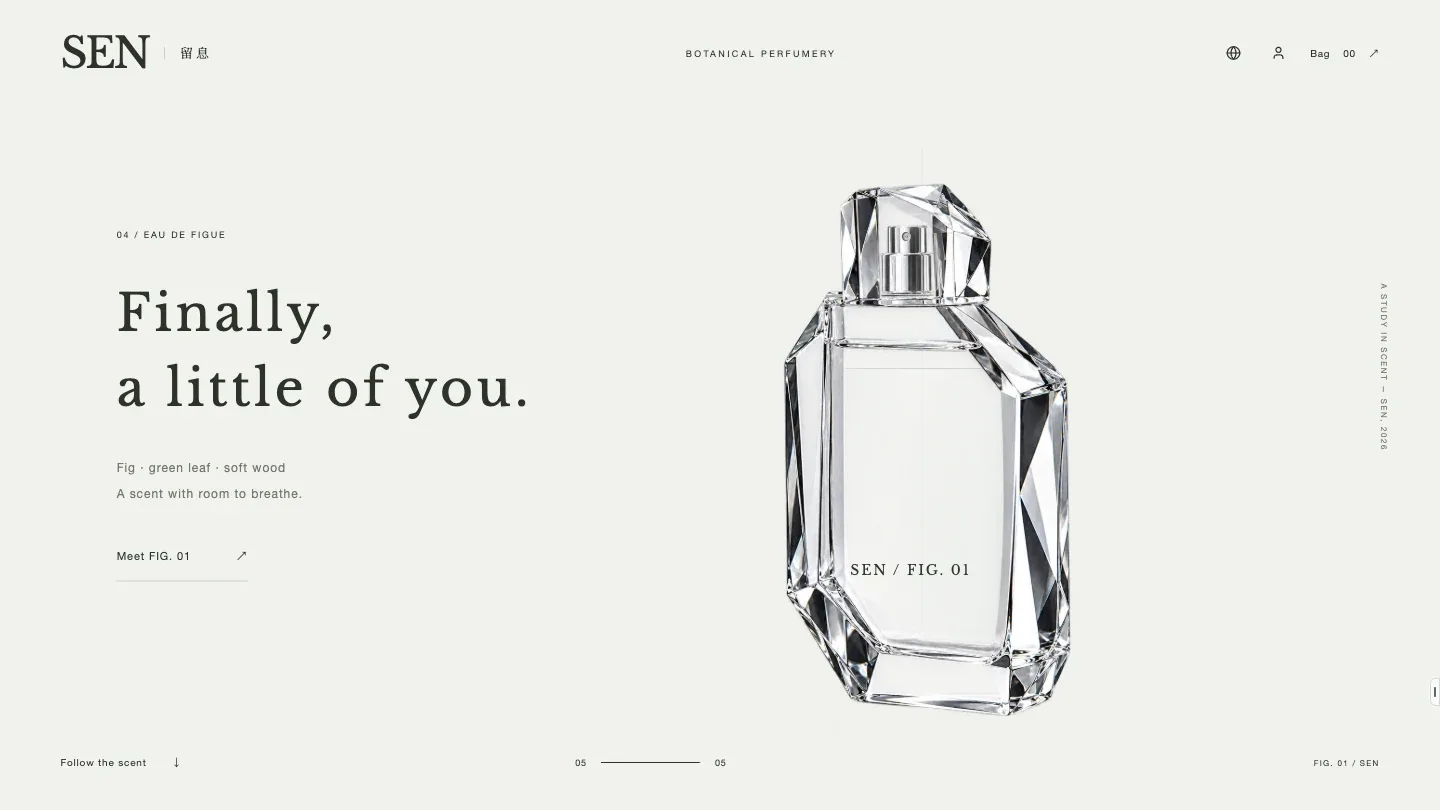
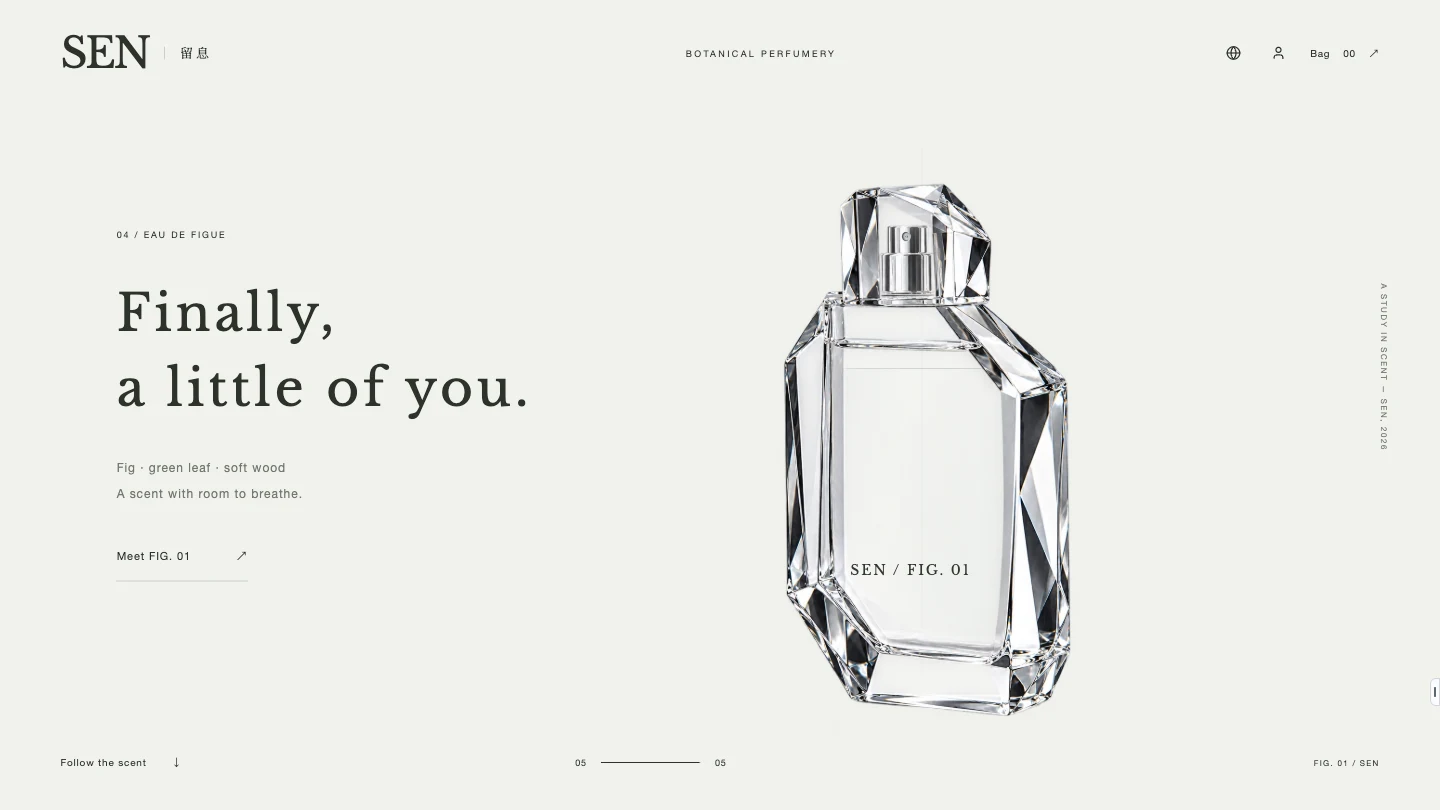 Website examples · SEN 留息Scroll through figs, droplets, splashes and cut glass in a restrained fragrance story.
Foundax features
Generate a website with AI or adapt a template, keep editing on the canvas, and connect real products and inventory. Use built-in checkout and orders for online sales, then maintain your website and business after launch.
01 AI website design
Tell AI about your products, audience and visual preferences, and supply the images and brand materials it can use. Shape layout, navigation, content and interactions, then keep refining the website.
Describe the purpose, content and style, or begin with a template you like.
Choose existing brand images and product assets so design follows real content.
Select an area to change while keeping other approved content in place.
02 Conversation and visual editing
Edit a headline or replace an image directly on the canvas. Ask AI to adjust layouts, add pages or refine interactions as you go.
03 Connected business tools
Manage product names, images, prices and stock in one place. Website displays bound to those products use the same information for everyday launches and updates.
04
Enable the content languages your website needs and maintain their copy individually. Check desktop and mobile layouts so visitors in different markets can read and interact comfortably.
05
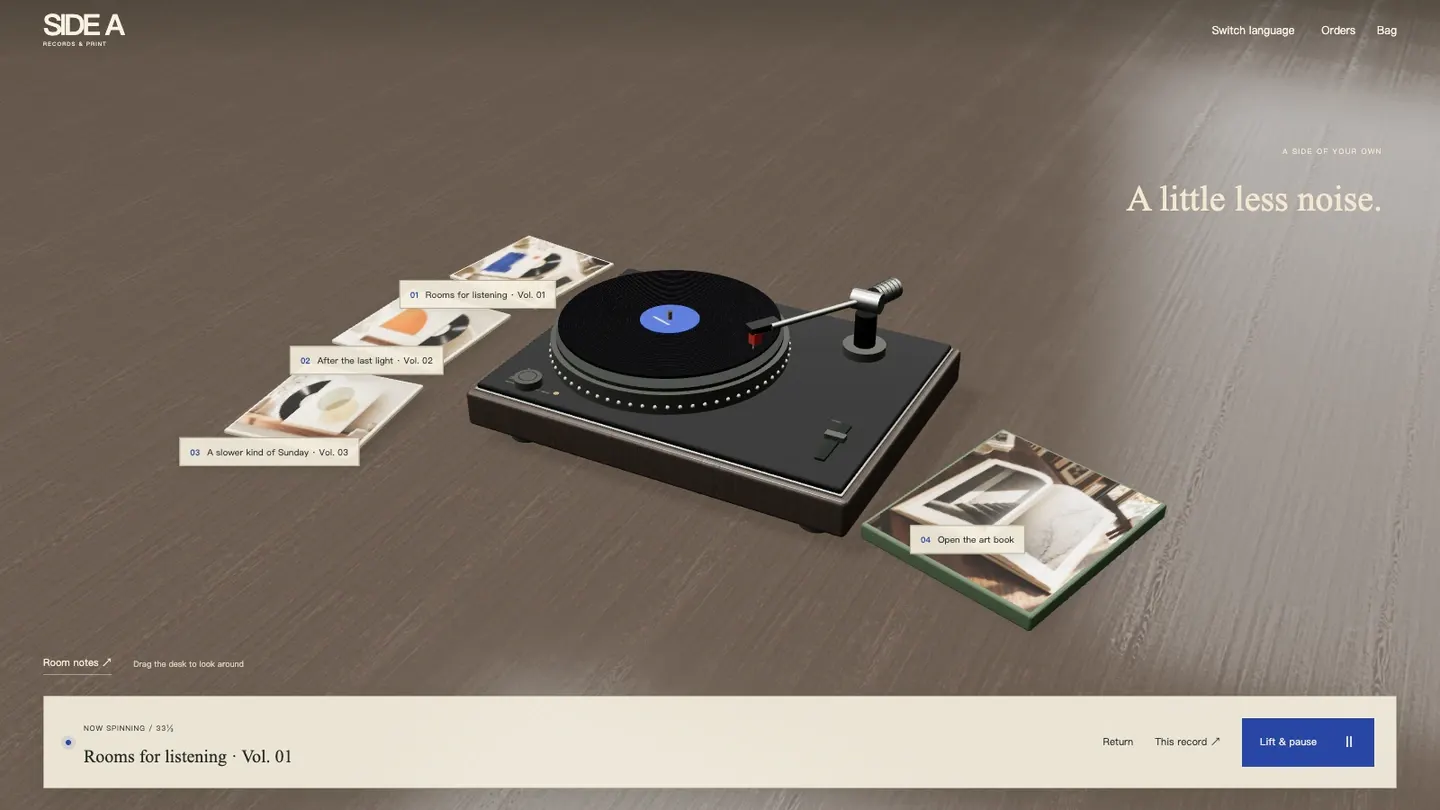
Build a continuous presentation around your products and assets. Use scene transitions, detail reveals and interactive choices to help visitors understand what you offer.
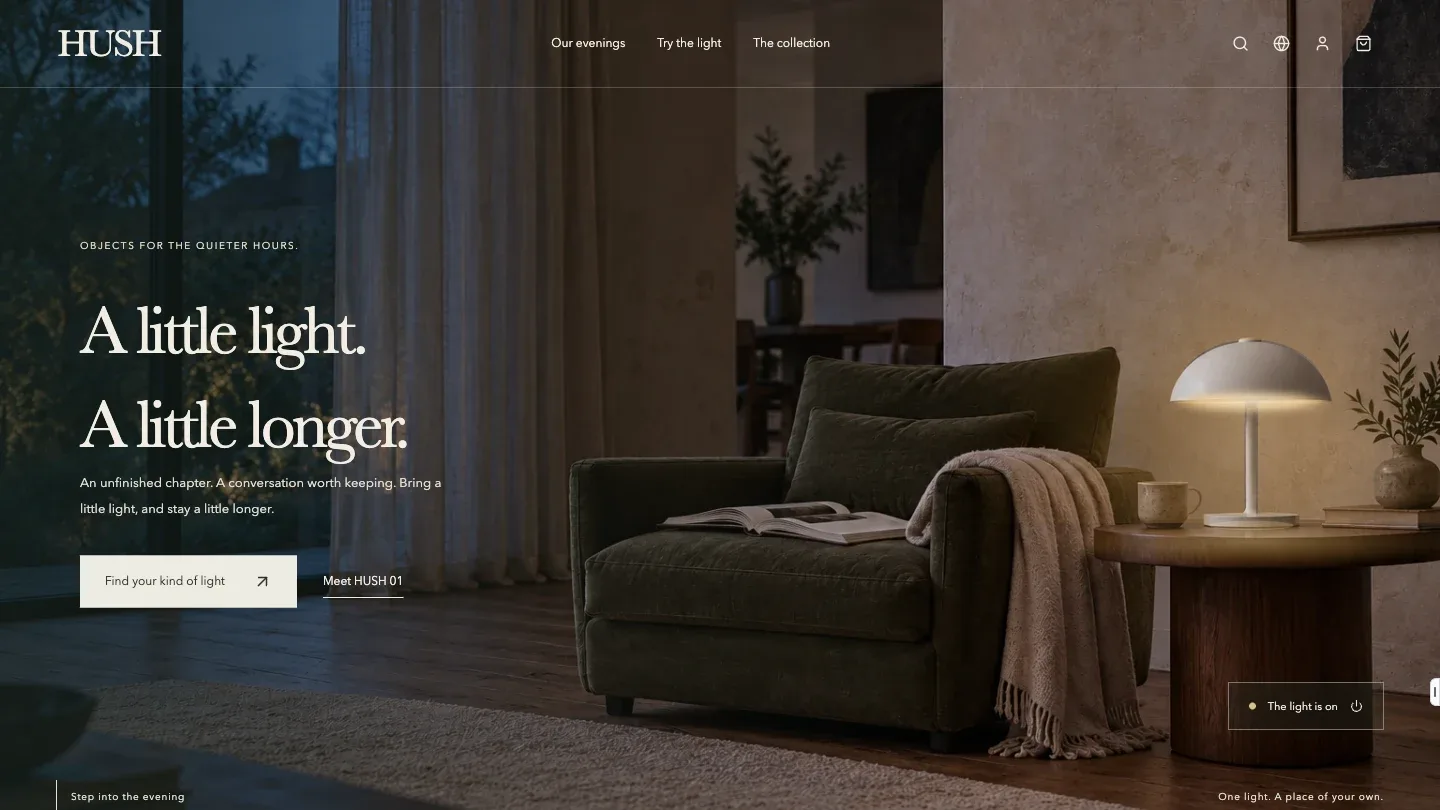
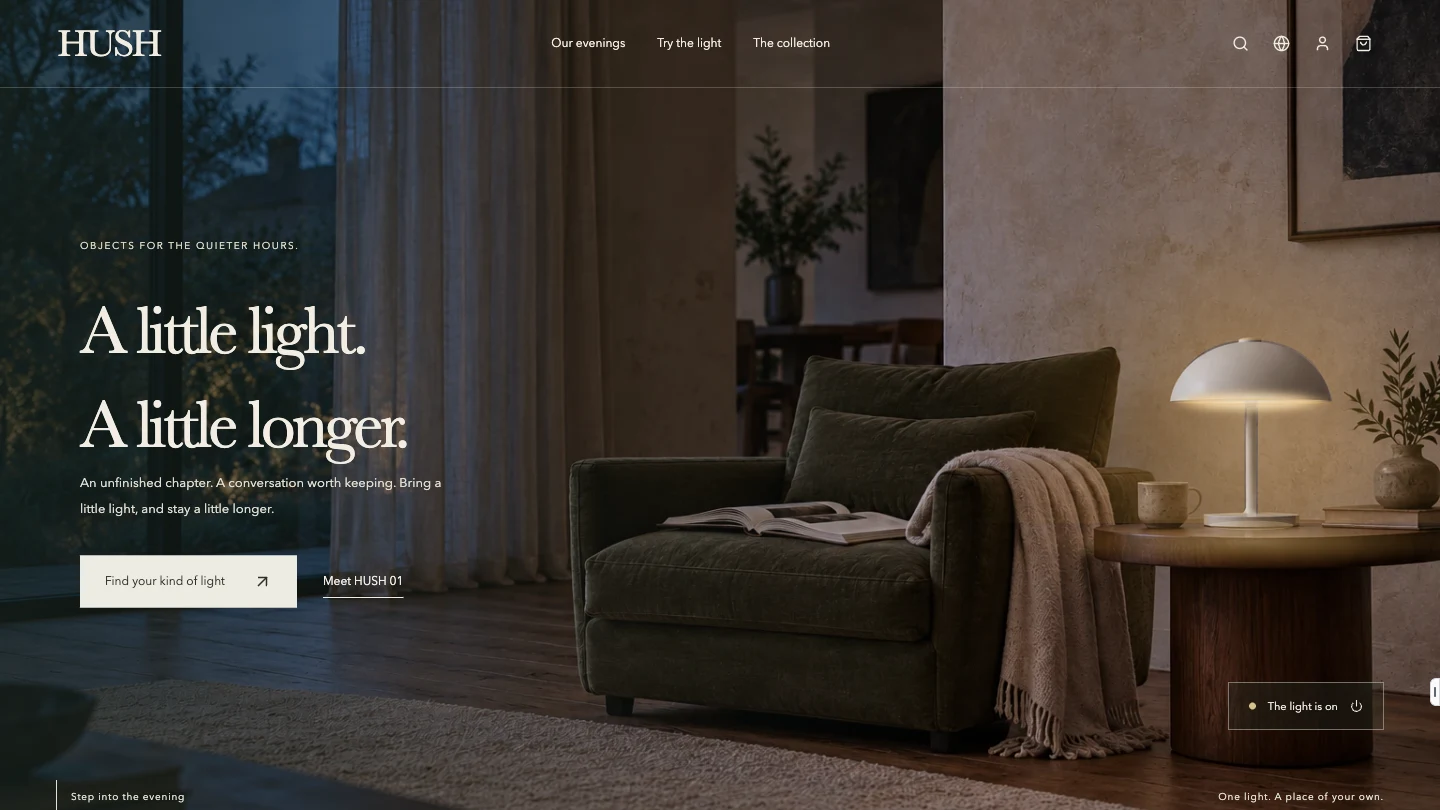
Try the website · HUSH06
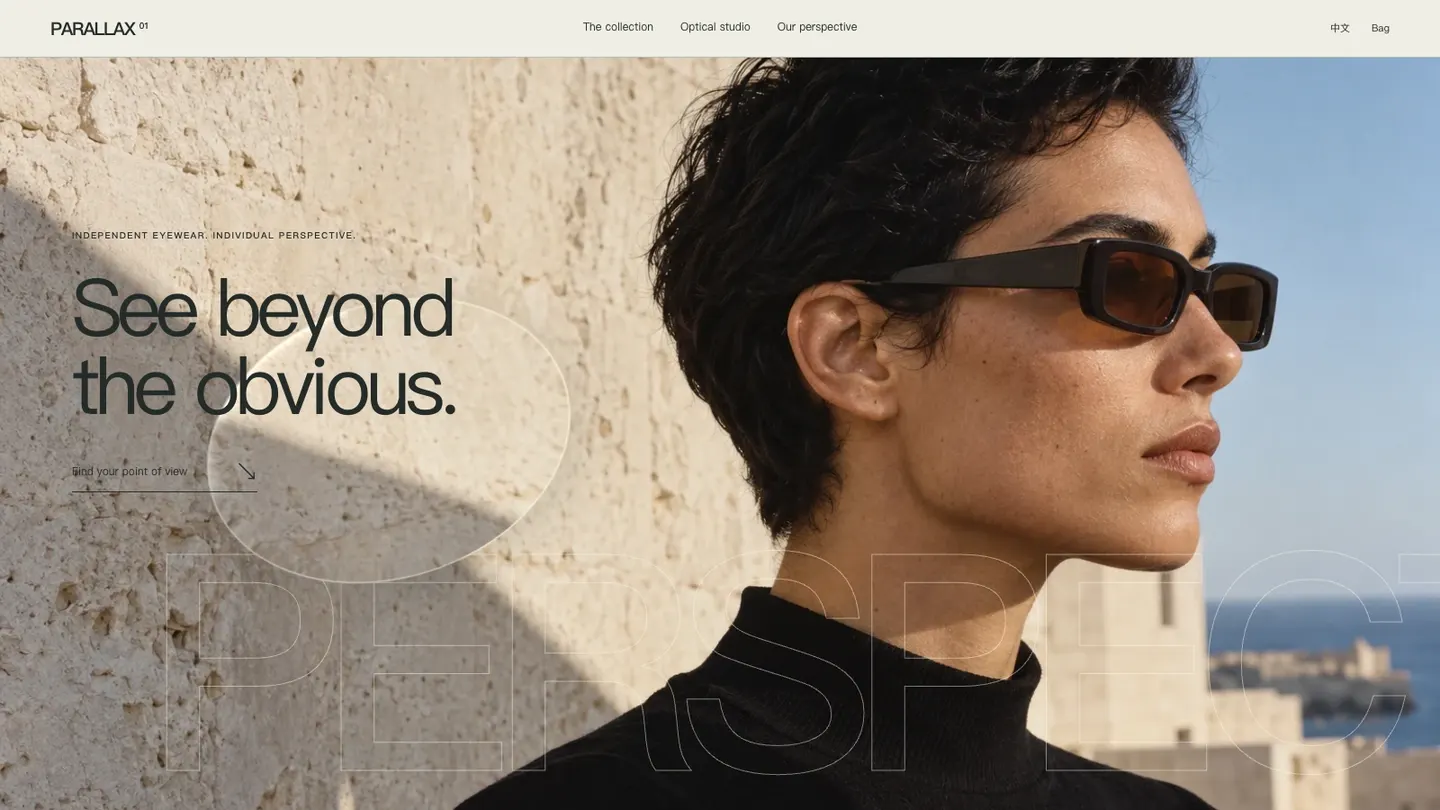
Brand presentation, procurement inquiries and online sales have different needs. Organize your pages and connect the right content and business tools.
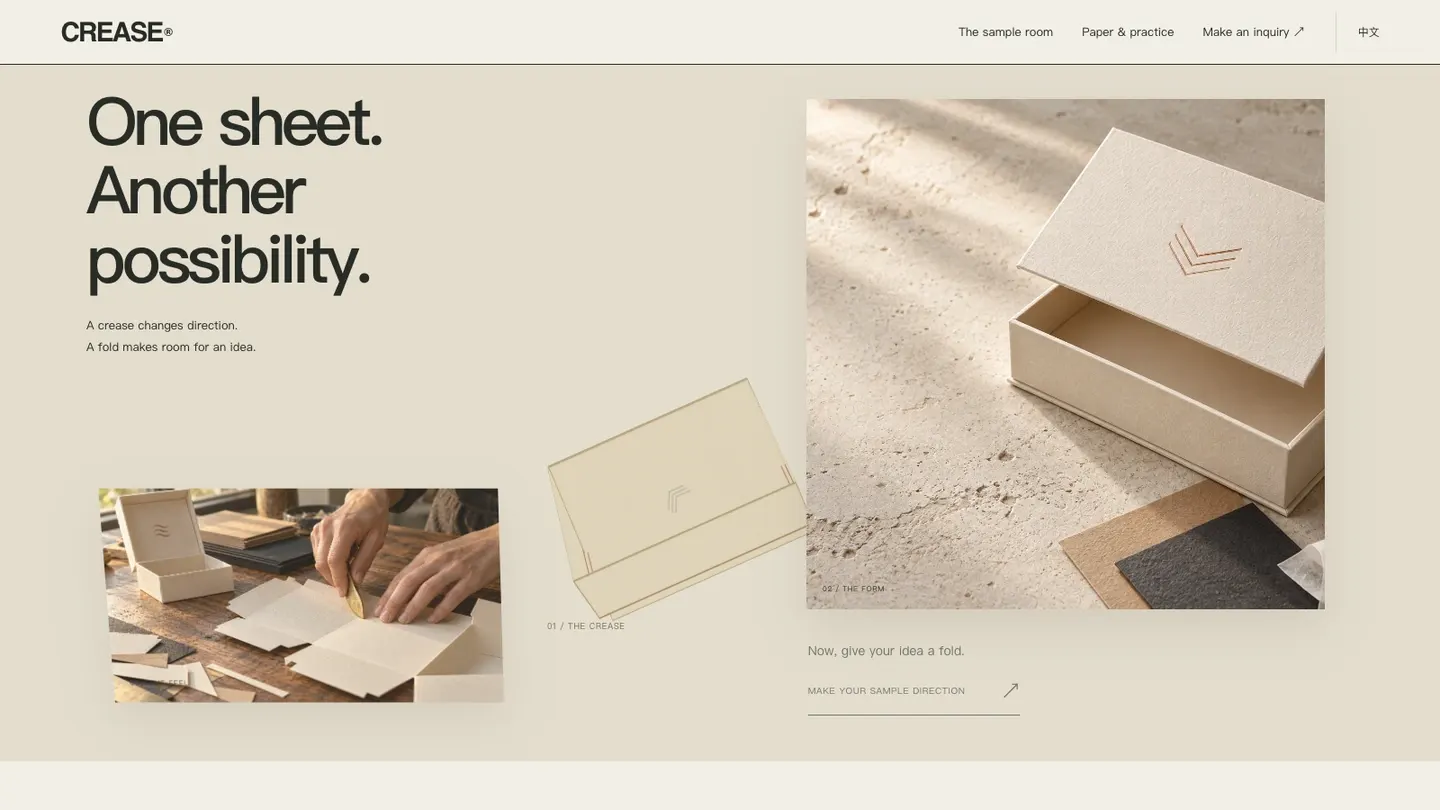
Present your story, products and services, and keep publishing useful content.
Website examples · SEN 留息Scroll through figs, droplets, splashes and cut glass in a restrained fragrance story.Show catalogs, specifications and partnership information, and collect requirements through forms.
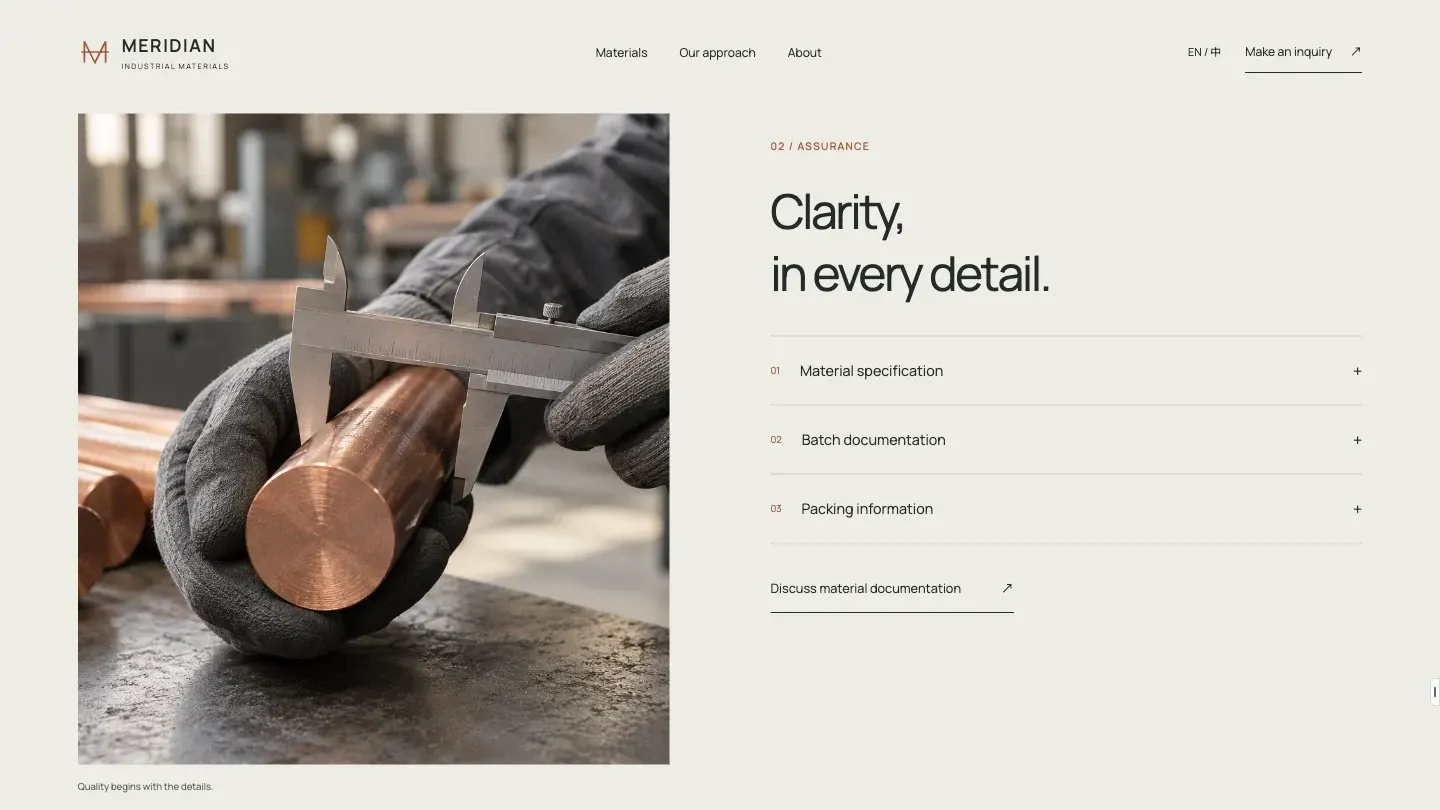
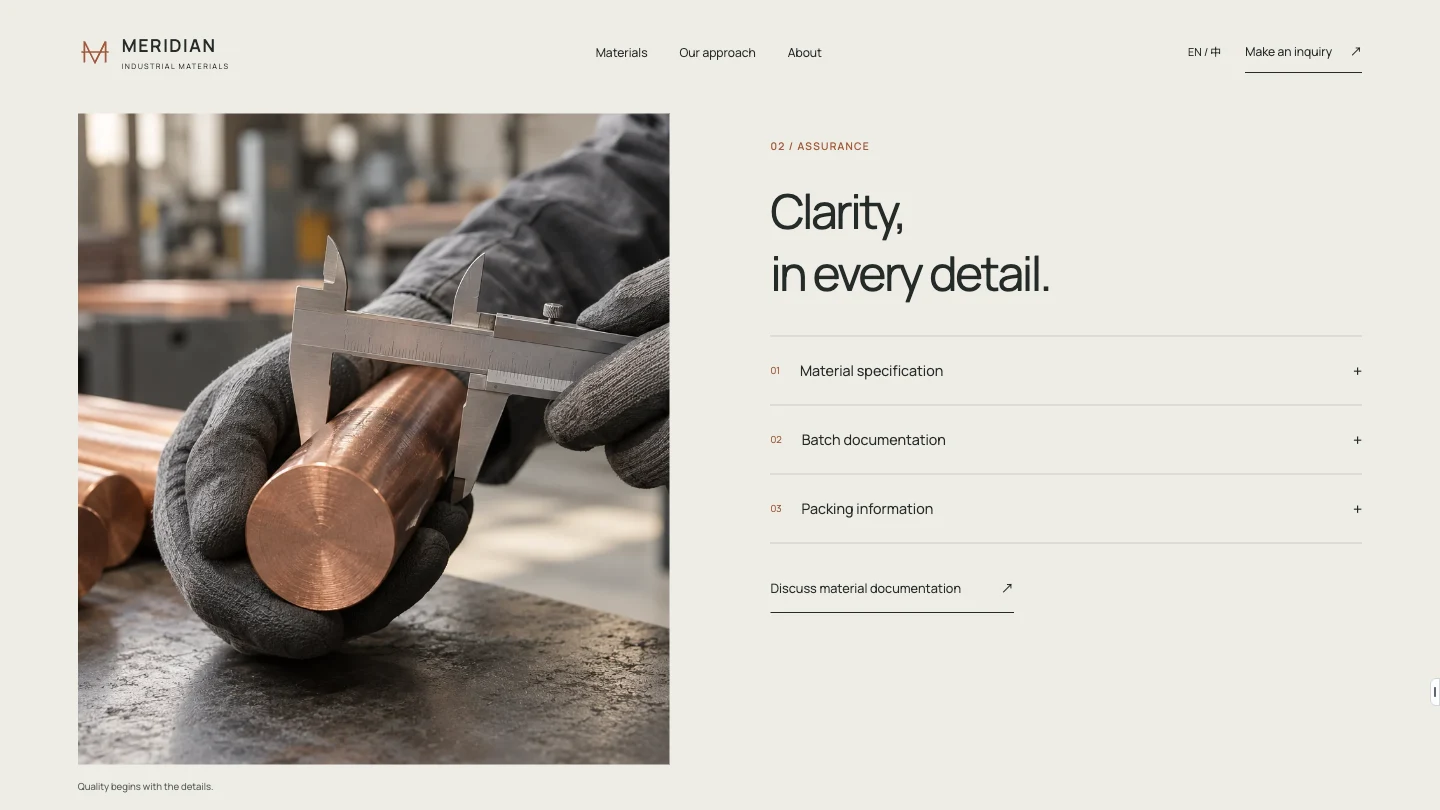 Website examples · MERIDIAN 衡原Explore copper, aluminium and zinc, review delivery information and continue to a procurement inquiry.
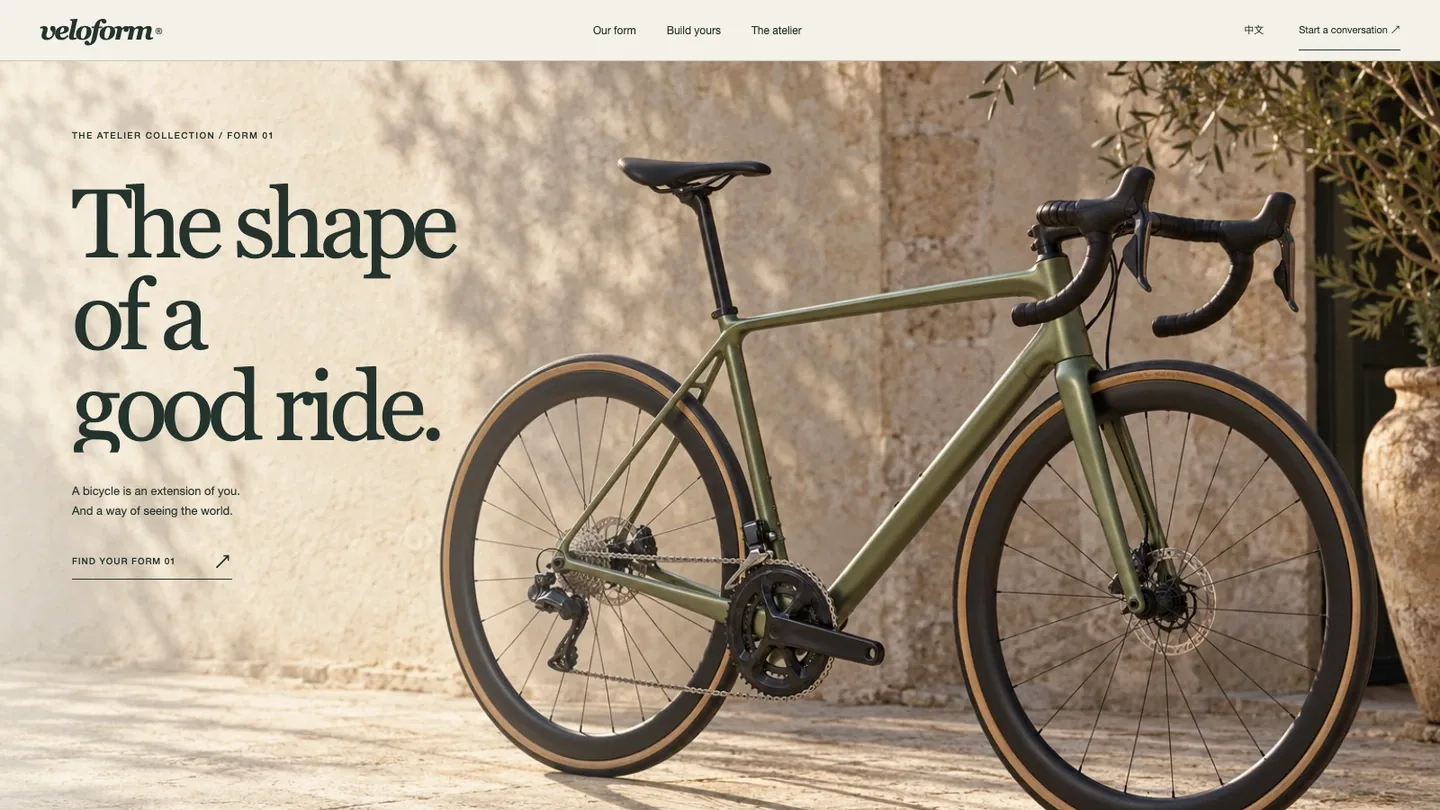
Display actual products with carts, checkout, orders and after-sales support.
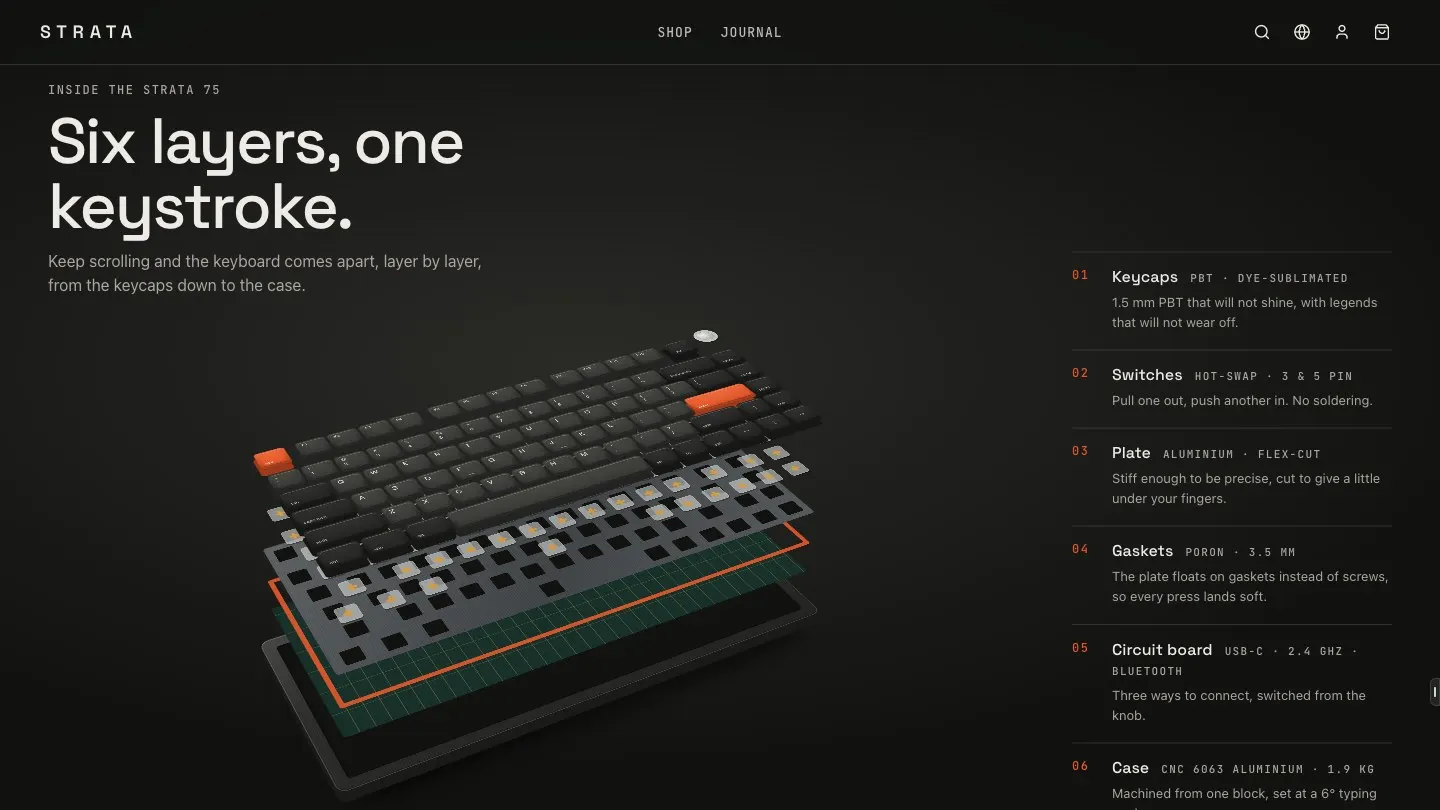
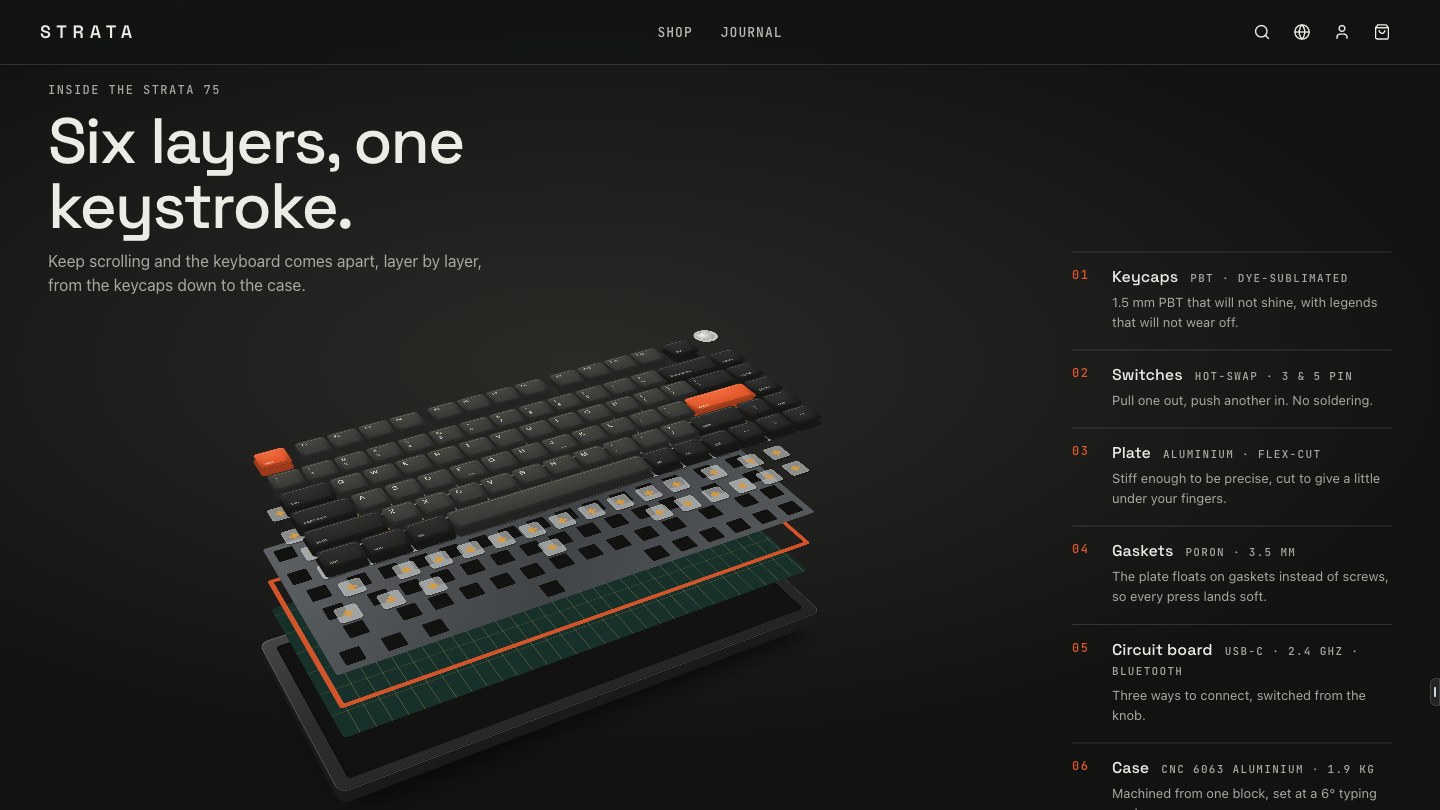 Website examples · STRATA 层岩Explore a 3D keyboard, change its colors and try typing to discover the details through interaction.
07
Check pages, languages and business settings, preview important flows and publish your website. Continue maintaining articles, page SEO, products and traffic data after launch.
Review readiness, check important pages and actions, then publish the version you approve.
Manage articles, page titles, descriptions and multilingual content.
Manage products, orders and support in your workspace, and review traffic and conversions.
See how content, interactions and business tools work together. Find a direction you like, then bring your own brand materials.