DTC Tech Stack#ecommerce automation#plugin bloat#DTC operations#product data#Merchant Center
Ecommerce Automation Without Plugin Bloat: Build the Core System Before Adding Another App
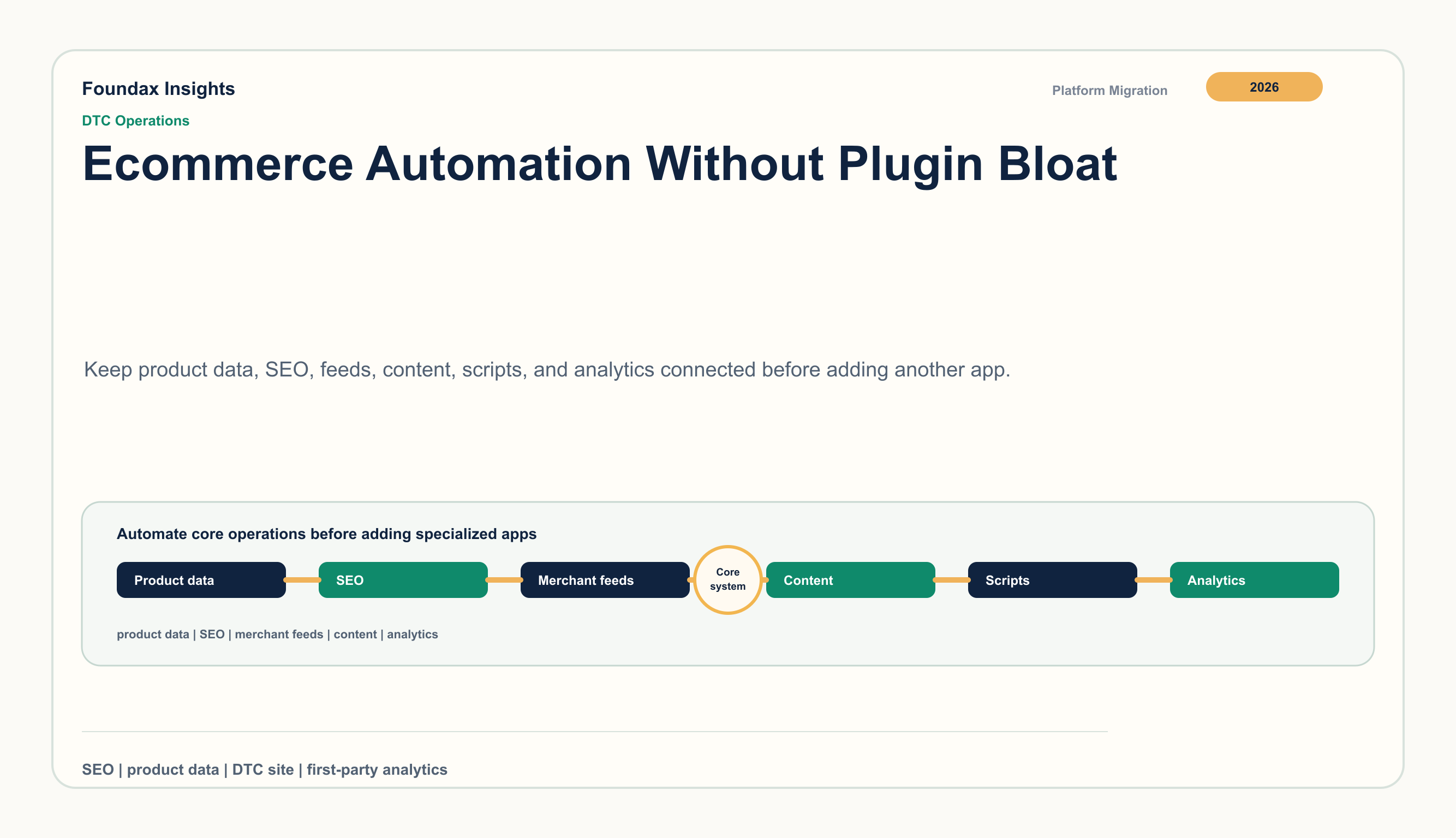
A practical operating model for DTC teams that want automation without spreading product data, SEO, feeds, content, scripts, and analytics across disconnected apps.
Ecommerce automation is attractive because every DTC team has too much repetitive work: product updates, SEO fields, feed cleanup, content refreshes, discount rules, support follow-ups, analytics exports, and localization checks. The quickest answer is often another app. That can be a good answer when the job is specialized and the owner is clear.
Plugin bloat starts when apps become the operating model. The store still functions, but the business now depends on a chain of dashboards, scripts, billing cycles, duplicated fields, vendor-specific settings, and undocumented handoffs. Automation then creates a strange result: the team has more tools, but less control over product truth, buyer experience, page speed, and measurement.
Plugin bloat is a systems problem, not an app count
There is no universal number of apps that makes a store unhealthy. A DTC brand can run many third-party tools responsibly if each one has a clear job, a data boundary, an owner, and a review cadence. Another brand can create a fragile stack with only a few tools if those tools duplicate core business facts.
The warning signs are concrete:
product titles, variant names, prices, availability, or identifiers are edited in more than one place;
SEO metadata, PDP copy, Product JSON-LD, and feed fields describe the same product differently;
support, policy pages, checkout copy, and email automation quote different shipping or return promises;
tags and widgets slow down key pages without anyone owning the performance cost;
reports require exports from the store, ad accounts, analytics tools, feed tools, and support systems before anyone can discuss what happened;
subscription charges and usage limits become part of the monthly operating review.
Shopify's own performance guidance lists apps and third-party code among factors that can affect store performance. Shopify's billing documentation also shows why app cost is not only a fixed monthly line item: apps can have subscriptions, usage charges, app-specific billing cycles, pending charges, and refund boundaries. web.dev adds the technical side: third-party JavaScript can add network requests, rendering delays, duplicated frameworks, and main-thread work.
The business issue is not that apps are bad. The issue is that the store can become harder to operate every time a new app becomes responsible for a fact the core system should own.
Separate core automation from edge automation
The cleanest decision rule is to ask whether the automation touches product truth, buyer trust, or growth measurement. If it does, it should sit close to the commerce operating layer. If it is experimental, channel-specific, or deeply specialized, a third-party tool may be the right choice.
GA4, ad pixels, BI warehouses, and attribution tools add diagnosis or activation
Support
customer, order, product, policy, and conversation context
helpdesk volume, routing, SLA, or omnichannel support requires a dedicated system
This distinction prevents two common mistakes. The first is trying to make the core platform do every niche job. The second is pushing core operations into a patchwork of apps and calling the result automation.
Product data is the place to start
Most plugin bloat is easier to see through product data. A review widget needs product identity. A feed tool needs product attributes. A search tool needs titles, collections, availability, and images. Analytics needs product labels. Support needs the same SKU and policy context the buyer saw.
When product data is weak, every automation layer creates its own interpretation. One app stores a product handle. Another stores a variant title. A third maps a category. A feed tool expects an identifier. A content page links to a product that later changes URL. The store can still look normal, but the system is now full of small mismatches.
A better review starts with priority SKUs, not the app list. For each important product family, ask:
Which fields are required for the PDP, collection page, Product JSON-LD, feed, content links, support, and reporting?
Which system is allowed to change those fields?
Which apps read the fields, and which apps write back?
What breaks if a variant, price, image, availability, or URL changes?
This creates a practical automation backlog. The first fixes are rarely glamorous. They are usually field ownership, naming consistency, URL hygiene, product identifiers, image rules, and policy alignment. Those are exactly the pieces that let more visible automation work later.
SEO automation should govern crawlable facts, not just fill fields
A plugin can populate metadata, but sustainable SEO automation needs a broader control surface. The team has to manage which pages are public, which URLs are canonical, which pages belong in the sitemap, which pages should be excluded, how localized versions relate to each other, and whether product structured data matches buyer-visible facts.
Google's product structured data guidance is useful because it ties SEO to product facts. The Product JSON-LD on a PDP should not be treated as a decorative technical layer. It is another public representation of price, availability, image, brand, offers, and product identity. If those facts are generated by a plugin that does not share ownership with the catalog, every product update creates drift risk.
Automation should therefore answer operational questions:
Did this product change require a PDP publish, a feed check, or both?
Did a content update introduce links to unavailable products?
Did a localization update change the market promise or only the words?
Did a noindex or canonical rule change after the latest page publish?
Did a product schema value diverge from the visible PDP?
That is the difference between filling SEO fields and operating SEO.
Merchant feed automation needs preflight before sync
Merchant feed apps often look like automation because they move product data somewhere else. The harder part is deciding whether the data is ready to move.
A reliable feed process checks required fields, image availability, identifiers, landing-page consistency, shipping and return context, product status, and channel-specific attributes before submission. It should tell the catalog owner what to fix, not merely export a file and let the merchant interpret channel warnings later.
Recent platform moves toward richer shopping discovery make this discipline more important. Google's Merchant Center help has introduced AI-shopping performance insight concepts such as product terms, attributes, funnel performance, and attribute completeness. Shopify has also described agentic commerce paths that depend on product discovery and merchant records. Those changes do not mean every DTC brand needs to chase every new surface immediately. They do mean product data and public page alignment are becoming more central to how external systems understand a store.
Content automation should reduce maintenance, not multiply pages
Content plugins can help with review collection, syndication, UGC, translation, or campaign landing pages. The problem appears when content becomes detached from the products, policies, and markets it is supposed to support.
For DTC, a useful content system needs three things:
a draft/published boundary so unfinished content does not go live by accident;
structured ownership so buying guides, FAQs, and policy explainers have refresh triggers;
links back to product and market facts so content does not age into misinformation.
Automation should make content easier to keep current. It should not create hundreds of pages that no one owns. A smaller content library connected to product data, policies, and analytics is usually more valuable than a large library generated through disconnected tools.
Performance budgets should be part of automation governance
Every automation has a runtime cost somewhere. Some costs are acceptable. Payment scripts, consent tools, analytics tags, review widgets, support widgets, personalization, and remarketing pixels can all be legitimate. The problem is unmanaged accumulation.
A simple governance rule works well: every script needs an owner, a reason, a page scope, a data scope, and a review date. Critical page types such as home, PDP, collection, cart, and checkout-adjacent pages should have tighter budgets than lower-risk pages. If an app injects code globally for a feature used on one campaign page, the team should treat that as a performance and governance issue.
Automation should save operational time without quietly taxing every buyer session.
Analytics should stay close to the commerce events
Analytics bloat is easy to miss because dashboards feel productive. But if the team needs five tools to answer a basic question, the measurement model is probably fragmented.
A DTC operating view should start with first-party commerce events: source, landing page, content interaction, product view, add-to-cart, checkout step, purchase, refund, return, locale, device, and product attributes. GA4, ad platforms, BI tools, and warehouses can add diagnostic depth or activation paths, but they should not be the only place where the business reconstructs its own funnel.
The practical test is weekly review. Can the team explain product demand, content contribution, checkout friction, market performance, and return pressure without stitching a manual spreadsheet first? If not, more analytics plugins may add charts without fixing the operating model.
A 30-day cleanup sequence
Plugin cleanup should be boring and evidence-based. Start with dependencies and ownership before deletion.
Week
Work
Output
1
List apps, scripts, tags, embedded widgets, data flows, billing model, owner, and affected page types
dependency inventory
2
Mark duplicated responsibilities across product data, SEO, feeds, content, promotions, policies, support, and analytics
overlap map
3
Move core facts back to governed systems: product identifiers, URLs, metadata, schema fields, policy promises, market rules
core-fact backlog
4
Decide what stays, what is removed, and what needs a performance or data boundary
retained-app policy
The cleanup goal is not minimalism. The goal is a stack where every automation either strengthens the core system or performs a specialized job with clear ownership.
Where Foundax fits
Foundax is built around the operating layer that many DTC teams try to assemble through plugins. Current capabilities include product records, published storefront pages, Content Studio with draft/published separation, multilingual content operations, site SEO settings, sitemap and robots output, server-side PDP Product JSON-LD, Search Console verification and sitemap submission, Merchant Center preflight and sync, first-party analytics, and GA4 as supplemental diagnostics.
That does not remove the need for every specialized tool. Email service providers, advanced review networks, ERPs, warehouse systems, helpdesks, marketplaces, and loyalty tools can still be valid. The difference is that product truth, public pages, SEO, feed checks, content, localization, and measurement do not have to be scattered across unrelated plugins before the team can operate the store.
FAQ
Are ecommerce plugins bad?
No. Plugins are useful when they solve a specialized problem with clear ownership. They become risky when core product, SEO, content, policy, feed, or analytics responsibilities are split across disconnected tools.
How many apps is too many for a DTC store?
There is no universal threshold. The better test is whether each app has a clear job, data boundary, owner, page scope, performance cost, and review date.
What should be automated inside the core commerce system?
Product data, page publishing, SEO metadata, Product JSON-LD, sitemap, robots, localization, feed-page alignment, content publishing, and first-party commerce analytics should stay close to the core system.
When should a brand keep a specialized app?
Keep a specialized app when it performs a job the core system should not own, such as email marketing, warehouse integration, advanced reviews, loyalty, helpdesk routing, or marketplace-specific operations.
How does Foundax reduce plugin bloat?
Foundax connects product records, storefront publishing, Content Studio, multilingual content, SEO settings, Product JSON-LD, Search Console, Merchant Center preflight, first-party analytics, and GA4 diagnostics so core operations do not have to be patched together through separate apps.