A lamp shows its value only once it is switched on. This case study breaks down the first screen, room scenes, light controls, palette and shopping flow of HUSH, with a checklist you can reuse.
A lighting website starts with a built-in problem: a lamp shows its value only after it is switched on. People are not buying a shade and a stem. They are buying what the room looks like once the light is on. Yet most lighting stores show a product on white and a spec table, and leave visitors to imagine the lamp in their own home.
This breakdown uses HUSH from the Foundax case library. HUSH is a fictional home lighting brand built around one product, an ivory dome lamp you can carry from room to room. We walk through the site page by page and explain the reasoning behind each design decision. Open the case and follow along.
The product is the light, not the lamp. A white-background photo explains the shape, not the mood.
Lamps are used at night but often photographed by day. Many lifestyle shots turn the lamp into an ornament.
Specs are abstract. 300 lumens and 2700K mean little to most shoppers.
The decision is emotional. What people want to know is whether this lamp will feel right in their corner of the room.
So the design goal for HUSH fits in one sentence: let visitors see the product change a room, let them choose the atmosphere themselves, then carry that choice into the shopping bag.
Four signature moments
A brand website does not need interaction everywhere. HUSH puts its interaction into four moments and keeps everything else calm.
Switch on
One lamp changes a corner
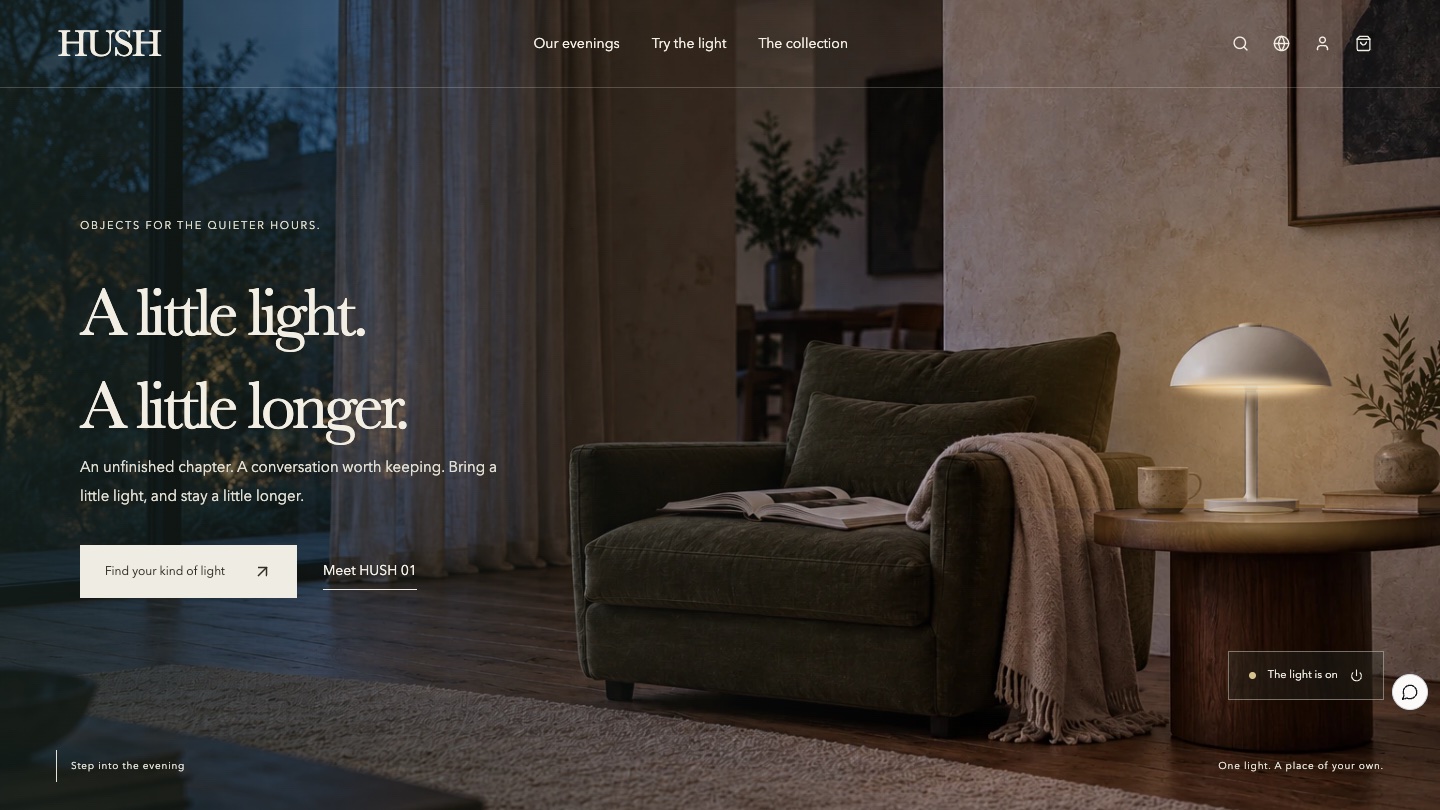
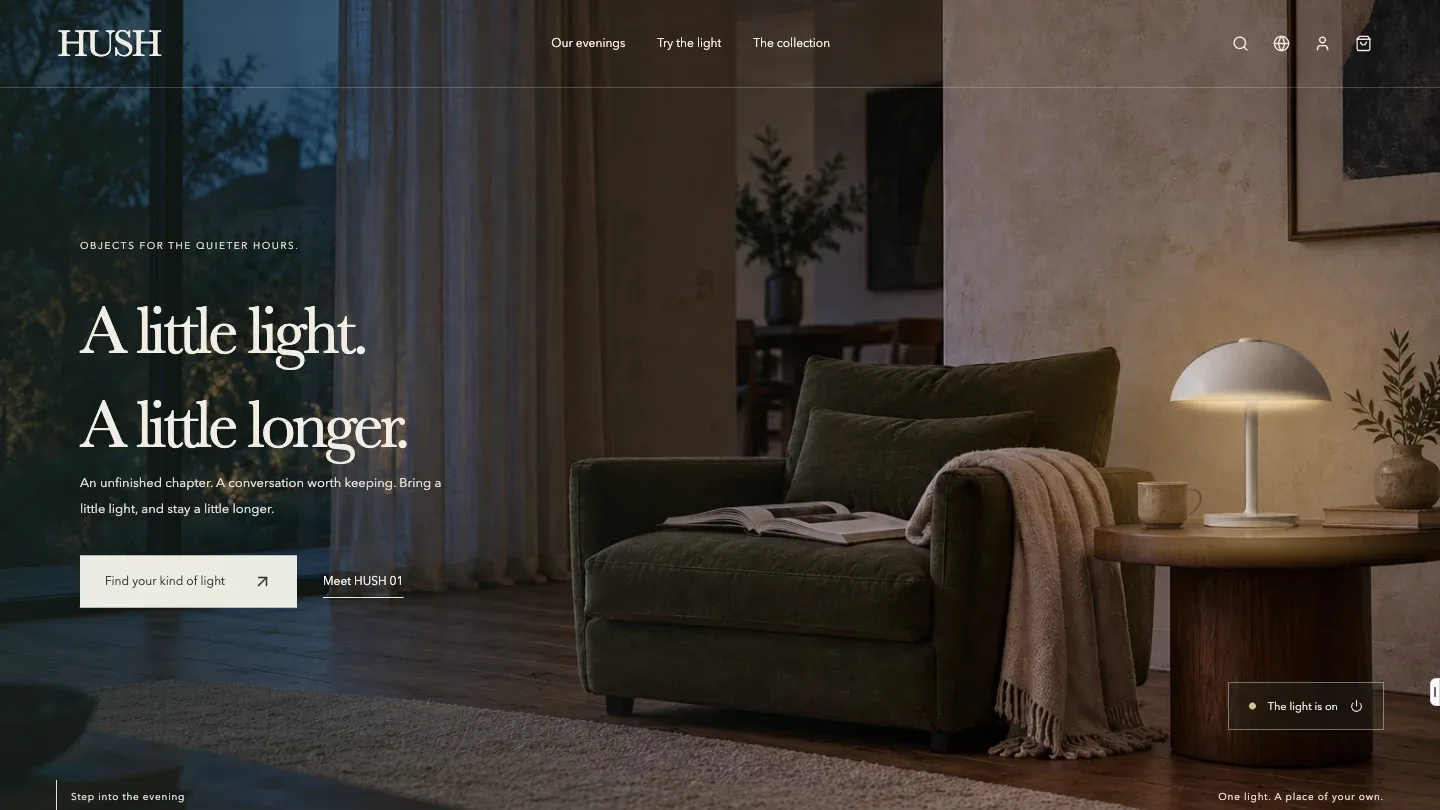
The first screen is a real room photographed with the lamp off. Switching it on lights the shade, the pool of light on the table and the glow on the wall as separate layers. The photo itself never changes or brightens.
Transition
From reading alone to company
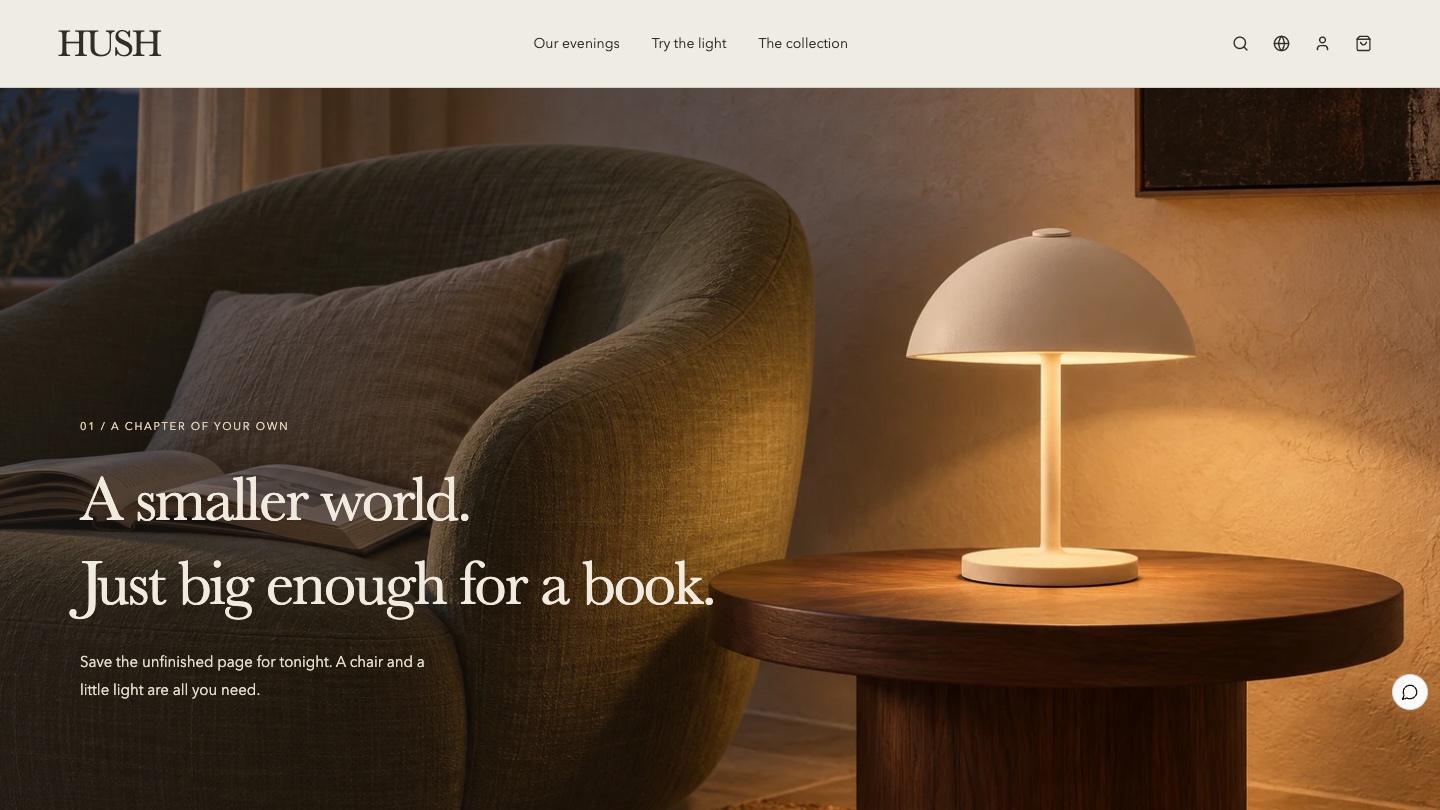
Scrolling moves the camera from a reading corner to a terrace. One scroll position drives both the images and the copy, and scrolling back restores every step.
Adjust
Let the visitor decide
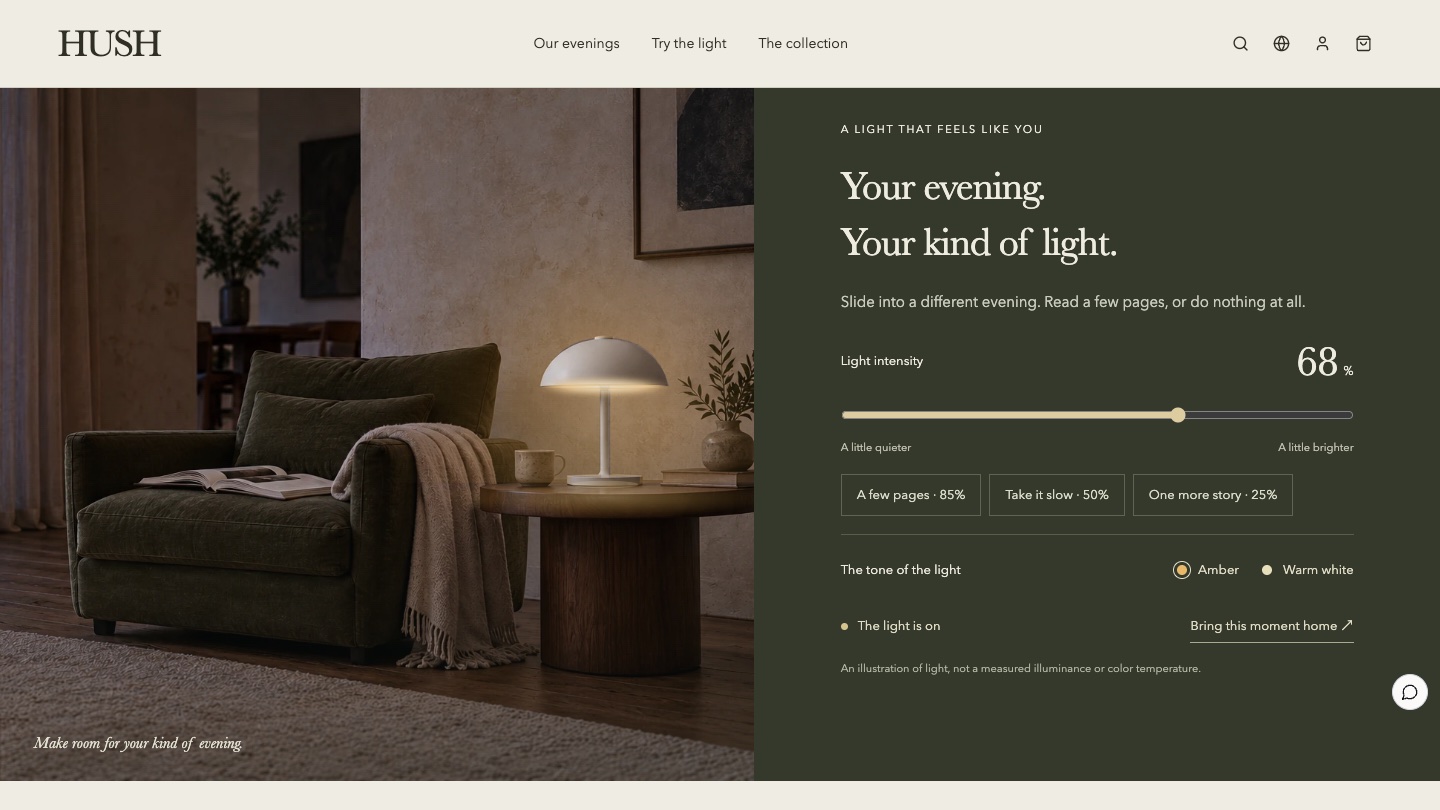
A brightness slider and two light colours, amber and warm white, act directly on the light in the photo. Three presets map to reading a few pages, slowing down and staying a little longer.
Carry over
The experience does not stop at the button
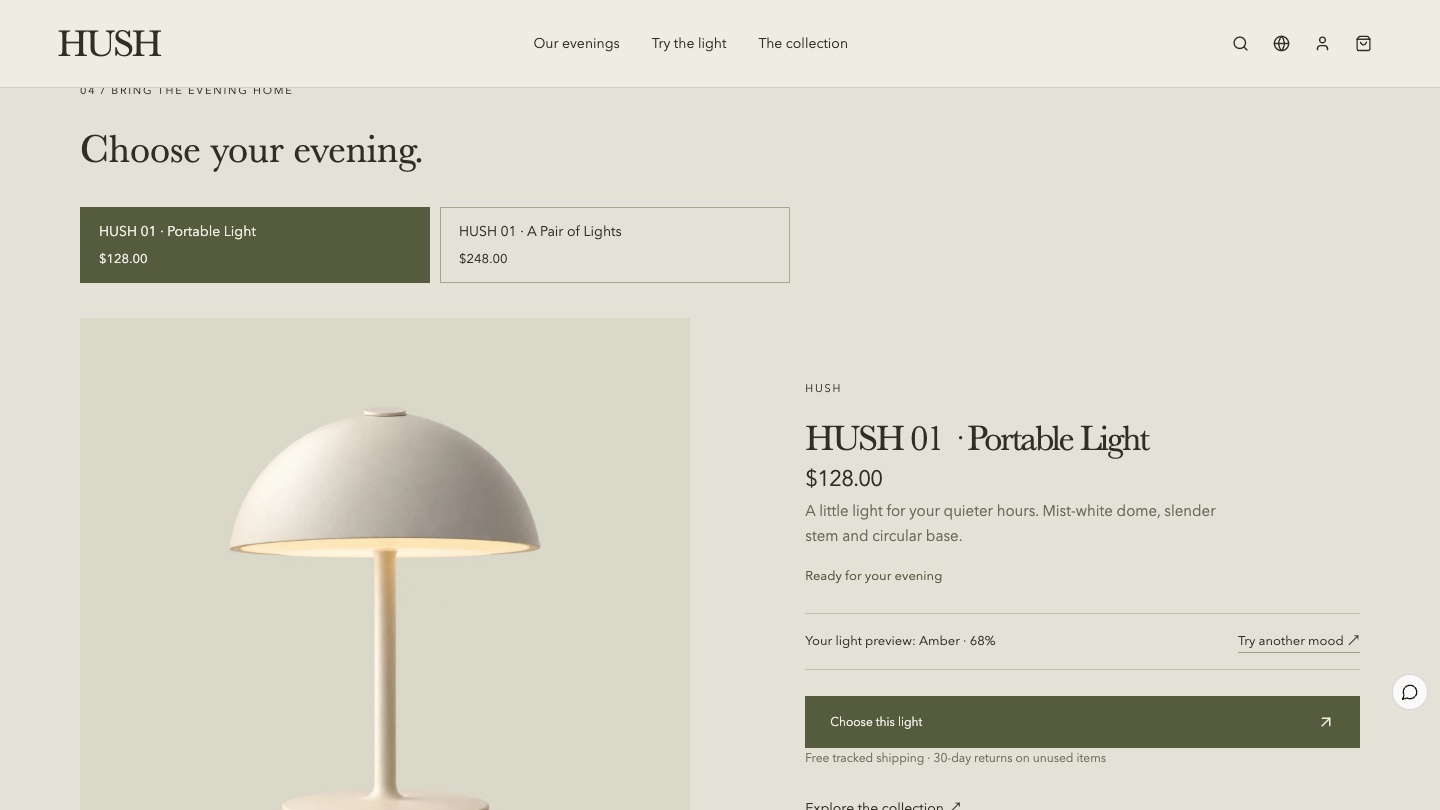
The light a visitor chose appears in the shop section as "Your light preview: Amber · 68%". The choice is not lost when they decide to buy.
The number of interactions gets out of hand faster than their quality. Pick the one or two moments that best prove the product's value, then decide whether anything else needs to move.
Visual language: save the colour for the light
The HUSH palette is deliberately muted. Limestone and grey olive cover the page, and only the light is warm. When the lamp turns on, the warmest colour on the page is the product itself.
Limestone#EEECE3Page background, like a wall lit by a table lamp
Grey olive#555C3DBrand colour, primary buttons and selected states
Deep olive#34392CBackground of the lighting section, so the glow stands out
Ink brown#302F25Headings and body text, softer than pure black
Amber light#E7A25BReserved for the light itself, never for buttons or decoration
The typefaces divide the work just as clearly:
Use
Typeface
Why
Headings
Baskerville, Songti
A serif with a bookish feel, matching the idea of reading late into the evening
Body and interface
Avenir Next, PingFang
A sans serif keeps prices, options and buttons easy to read
The six-act storyboard
01
Opening: A little light, a little longer
A real room and a lamp at its true size answer the first question on the first screen: what would this look like at home? The switch in the corner tells visitors the lamp can be turned on.
02
Rooms: From the reading corner to the terrace
Two scenes show two uses, reading alone and talking with someone. The selling point that the lamp is portable is told through the change of scene instead of a spec line.
03
Light: Your evening, your kind of light
Brightness, light colour and three presets. The page states that this is an illustration of light, not a measured illuminance. A demo should be honest.
04
Details: Quietly present
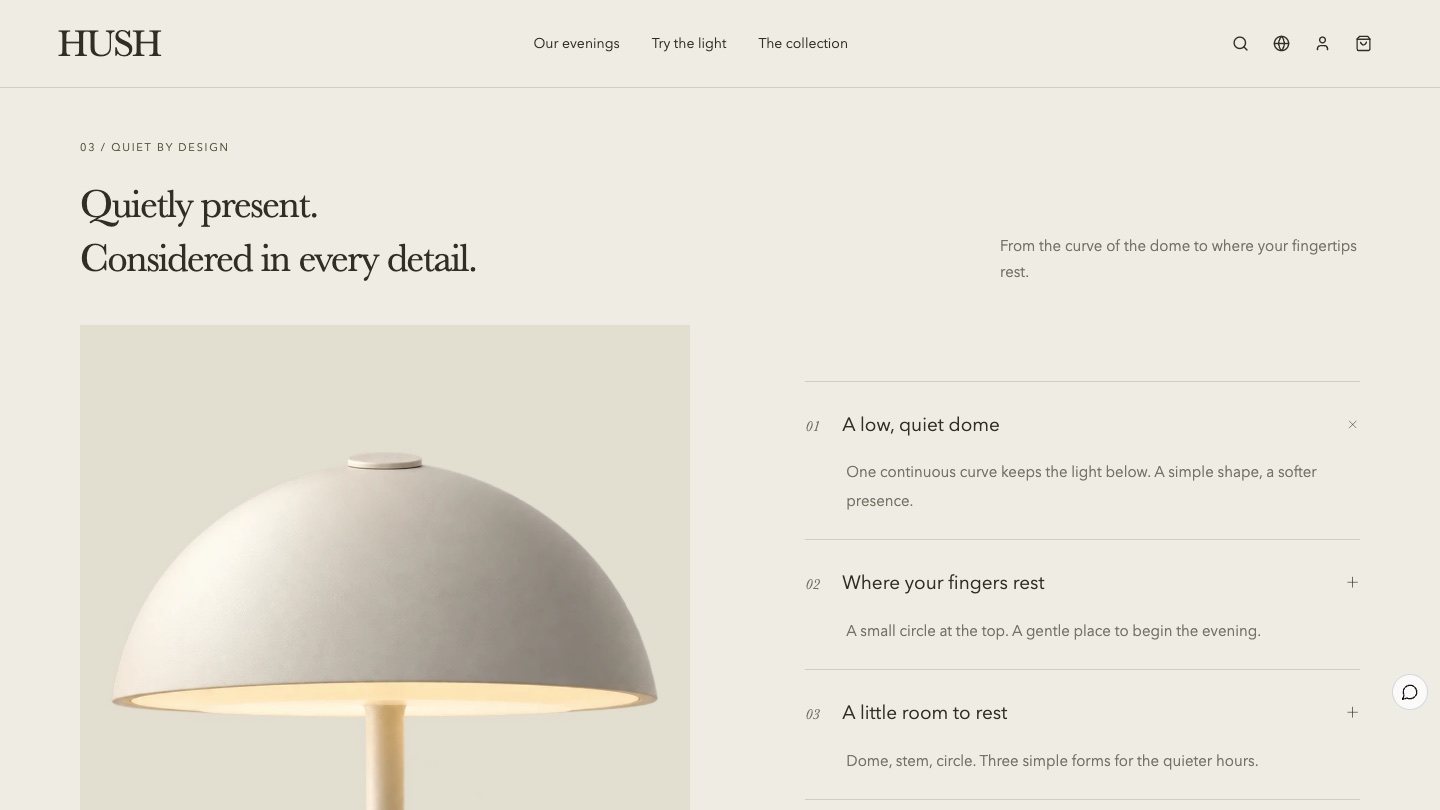
Three details open in turn: the dome, the touch point and the base. Each one is visible in the product photography. Nothing is invented that the photos cannot show.
05
Shop: Choose your evening
The single lamp and the pair each have their own product image and price. The light preference from the previous section appears here too.
06
Closing: Notes after hours
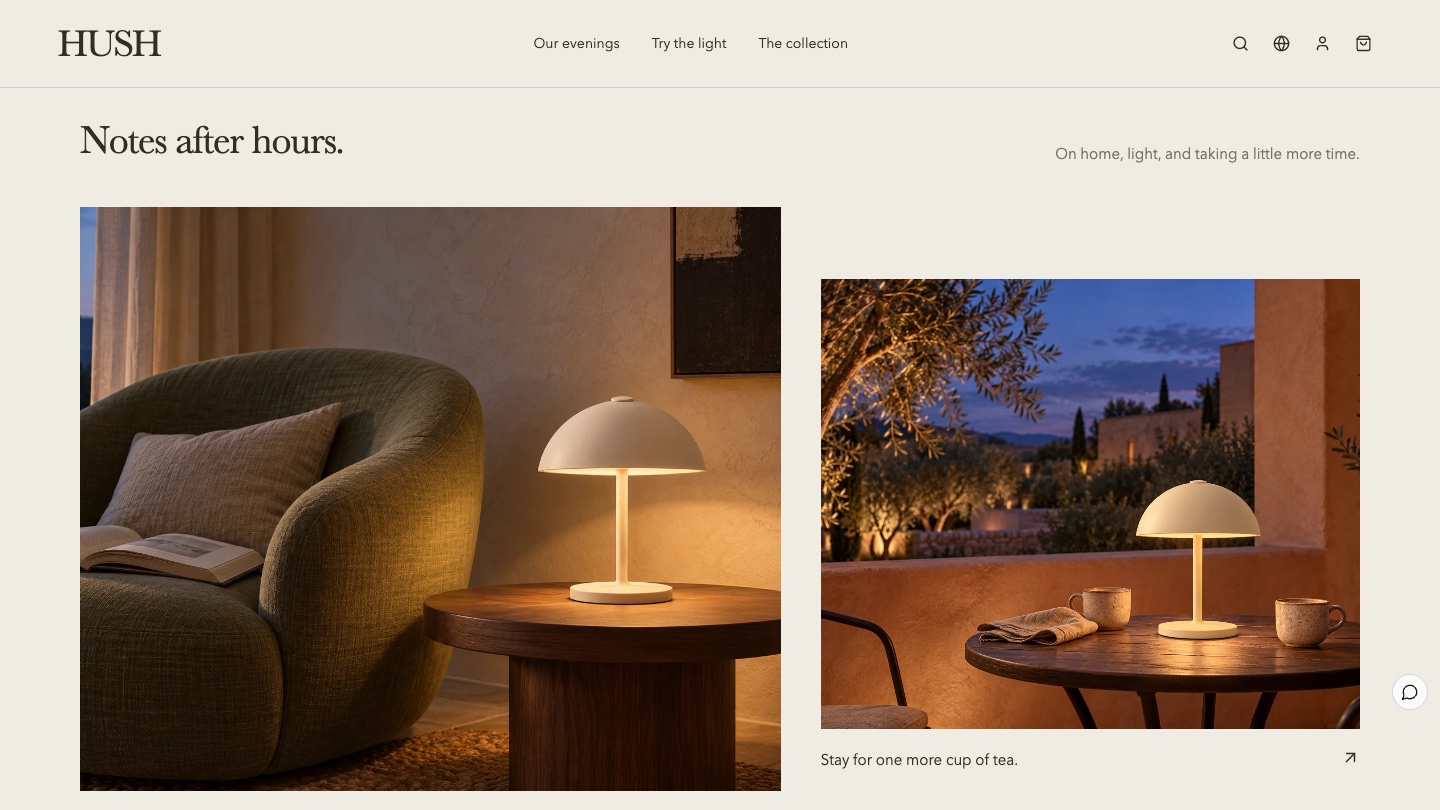
Lifestyle photos in mixed sizes close the story, journal entries lead back to the matching scenes, and a newsletter sign-up ends the page.
From experience to order: connecting the commerce
However good a brand page is, the mood breaks if "Add to bag" feels like landing on a different website. HUSH uses Foundax's native product and order features for its shop section, bag, orders and after-sales. Prices and variants come from product and SKU management, discounts are calculated at checkout, orders can be looked up and returns can be requested. The design's job is to carry the same colours, type and rhythm into those pages.
Find the moment your product shows its value (for a lamp, switching it on) and put that moment on the first screen.
Use real rooms at true scale in lifestyle images. Do not enlarge the product until it looks unreal.
Keep interaction to one or two moments that prove value, and keep everything else calm.
Save the colour for the product: mute the brand colours so the product is the brightest thing on the page.
Carry the choices visitors make during the experience into the shop section and the bag.
Be honest about specs and demos: if an effect is an illustration, say so.
FAQ
Does a lighting website need a switch-on interaction?
Not necessarily. It depends on having a good photo of the room with the lamp off and being willing to calibrate the light source and its reach. If that is not possible yet, two things matter more: lifestyle photos in real rooms, and a comparison of the lamp by day and by night.
Can I get a similar effect without professional photography?
The HUSH effect starts from one photo of the room with the lamp off and adds three layers: the glow, the light on the table and the reflection on the wall. With your own photo, the lamp position and the reach of the light need to be calibrated again, and different lamp shapes cast light in different directions. It does not relight any photo automatically.
Is HUSH a real brand?
No. HUSH is a fictional brand created by the Foundax team to show one way to design a lighting and home brand website. Shopping and orders in the case are a demo. Nothing is charged or shipped.
Can I start my own website from this design?
Yes. On the HUSH case page, choose "Start with this template". After signing up, a website is created from this case, ready for your own products, photos and brand content.