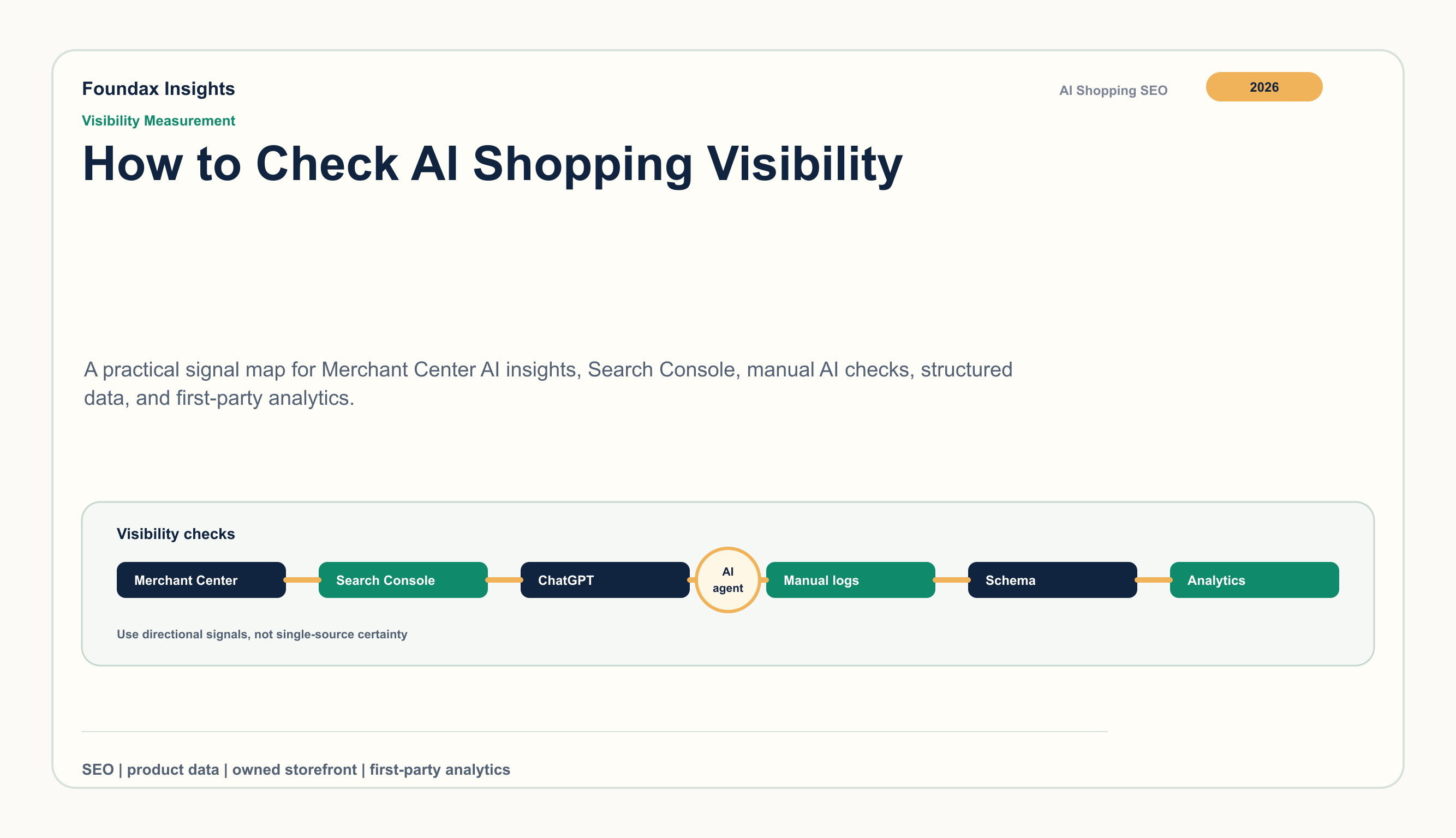
How to Check AI Shopping Visibility for Ecommerce Products
AI shopping visibility is becoming a new layer of ecommerce SEO. It is not only about whether a product page is indexed. It is about whether Google, ChatGPT, Gemini, and other shopping assistants can read the product facts, trust that the facts are current, and match those facts to the way shoppers ask questions.
For DTC teams, the practical question is not “are we visible everywhere?” The useful question is: when a shopper asks for a product like ours, can the major discovery systems understand our catalog well enough to consider it, describe it accurately, and send qualified traffic back to a page we control?
That can be measured. Not with one magic score, but with a repeatable operating routine: a fixed product set, a fixed query set, platform diagnostics, manual AI shopping checks, structured data review, feed review, and first-party analytics.
Start with a visibility scorecard, not screenshots
Screenshots are useful only when they belong to a system. Before checking any AI result, define the four signals you want to track:
- Coverage: which products appear in eligible surfaces, product cards, AI summaries, or referenced sources.
- Accuracy: whether the assistant repeats the right price range, material, use case, size, availability, and policy facts.
- Consistency: whether the public page, Product JSON-LD, Merchant Center feed, images, variants, and policy pages say the same thing.
- Business impact: whether impressions, product-page visits, add-to-cart events, assisted conversions, or branded searches change after product-data work.
The scorecard keeps the team from overreacting to a single AI answer. It also turns vague questions like “are we showing up?” into an operating review that merchandising, SEO, and growth teams can repeat each month.
1. Choose the products that matter commercially
Do not start with the whole catalog. Pick 20 to 50 products that deserve attention:
- best sellers that already have demand
- high-margin products where better discovery changes contribution margin
- new launches that need early search signals
- products with clear use cases, materials, sizes, or compatibility questions
- products where customers often compare alternatives before buying
For each product, record the canonical product URL, title, brand, current price, sale price, availability, image URL, primary market, language, and the exact page version you are testing. If the page, price, or feed changes later, you need to know which version produced which signal.
2. Build a query set that sounds like real shopping behavior
AI shopping prompts are usually longer and more contextual than classic product keywords. A shopper might ask:
- “best lightweight linen shirt for humid weather under $100”
- “non-toxic toddler dinnerware set that is dishwasher safe”
- “running belt for iPhone 16 Pro and gels marathon training”
- “giftable skincare set for dry sensitive skin winter travel”
- “compare ceramic nonstick pan vs stainless steel for beginner cooks”
For each product, write 5 to 10 queries across five intent types: use case, budget, material or attribute, comparison, and market context. Keep the wording stable. If prompts change every time, the team cannot tell whether visibility changed or the test changed.
3. Read Google-side signals in the right order
Start with the systems where Google gives merchants the most direct feedback.
Merchant Center AI insights should be checked first when the account has access. Google’s Merchant Center help describes AI-powered shopping experience insights for AI Mode, AI Overviews in Search, and Gemini, including visibility, product-term, funnel, and attribute-completeness signals. This is valuable because it connects AI discovery back to product terms and catalog quality.
Merchant Center diagnostics are the next layer. Check disapprovals, limited eligibility, missing identifiers, image issues, price mismatch, availability mismatch, shipping or return policy gaps, and country-level feed problems. A product that is messy in Merchant Center is unlikely to be a strong candidate for AI shopping experiences.
Search Console helps you watch the public-page side. Google’s AI features documentation explains how clicks, impressions, and positions from AI features are reported in Search Console. Use that data to review product-page impressions, long-query growth, landing pages, and changes after product updates. The important move is to compare the same product set before and after a controlled change.
4. Inspect the product page like a machine would read it
AI shopping systems assemble product confidence from many sources. Review each product page for the facts a machine needs to match a shopper’s request:
- product title that names the product type clearly
- brand, model, material, size, color, fit, compatibility, or certification where relevant
- visible price, sale price, availability, shipping timeline, and return policy
- product images with clean, useful alt text
- variant options that map to the same facts in the feed
- Product structured data that matches the visible page
- internal links from relevant guides, comparisons, and collection pages
The goal is not to stuff the page with keywords. The goal is to remove ambiguity. If the page says “performance fabric,” the feed says “polyester blend,” the size chart says “athletic fit,” and the review snippet says “runs small,” the system needs a coherent product story rather than scattered claims.
5. Compare page, schema, and feed field by field
This is where most teams find the real work. Take a sample product and compare:
- visible PDP copy
- Product JSON-LD
- Merchant Center feed fields
- product image metadata
- variant mapping
- shipping, return, and payment policy pages
- localized page version for the target market
Look for conflicts before looking for ranking tricks. Common issues include stale prices, sale prices missing from the feed, variants without clear color or size mapping, images that do not match the selected SKU, policy text that differs by market, and product descriptions that make claims the structured data does not support.
For AI shopping, consistency is a growth asset. It helps search systems, shopping systems, and customers build the same understanding of the product.
6. Run manual AI shopping checks with a log
Manual checks are still useful because AI shopping surfaces often reveal how a system describes your category. The key is to run them like research, not like casual browsing.
Create a log with these columns:
- date and market
- device and account state
- product and canonical URL
- exact query or prompt
- surface tested: Google AI Mode, Google Search, ChatGPT shopping, Gemini, or another assistant
- result type: product shown, brand mentioned, category advice only, competitor shown, no useful result
- facts repeated by the assistant
- missing or inaccurate facts
- next action
Do not only record whether your product appears. Record how the product category is framed. Sometimes the useful insight is that AI assistants consistently mention “dishwasher safe,” “fits narrow feet,” “sulfate-free,” or “ships from the US” while your product data treats those as buried copy instead of structured facts.
7. Connect visibility work to analytics
AI shopping visibility should eventually show up as business behavior, even if attribution is imperfect. Track:
- product-page sessions and engaged sessions
- source and referrer changes, including search and referral traffic
- add-to-cart rate for the tested product set
- assisted conversions and repeat visits
- branded search changes after AI-surface exposure
- market-level changes after localization or feed cleanup
Use annotation dates. When you update Product JSON-LD, fix a feed issue, rewrite a product page, add a buying guide, or submit a sitemap, mark the date. The goal is to build a before-and-after view that ties operational work to traffic and conversion patterns.
8. Decide what action each signal requires
A good visibility review ends with an action list, not a deck. Use a simple decision table:
| Signal | Likely issue | Next action |
|---|
| Product appears but facts are wrong | Page/feed/schema mismatch | Correct the source product facts and resubmit affected data |
| Competitors appear for attribute-heavy prompts | Missing attributes or weak product copy | Add specific attributes, use cases, and comparison context |
| Product page gets impressions but weak clicks | Search snippet or page positioning issue | Improve title, meta description, intro, and offer clarity |
| Product has Merchant Center issues | Feed or policy alignment problem | Fix blocking issues before more content work |
| AI answer gives category advice only | Product may lack enough matching facts | Build a guide, comparison page, or FAQ that supports the product |
| Traffic rises but conversion does not | Landing page trust or offer issue | Review price, shipping, returns, reviews, and page speed |
This keeps AI visibility work connected to operations. The next step might be a product-data cleanup, a PDP rewrite, a feed correction, a localized policy update, or a content brief. It is rarely “write more AI content” in isolation.
How Foundax fits
Foundax is built around the parts a DTC team can actually control: product facts, public pages, feed-page alignment, content, localization, and measurement.
In Foundax, the relevant workflow is straightforward: maintain clean product data, publish PDPs with server-side Product JSON-LD, run Google Merchant Center preflight before sync, verify Search Console, submit sitemap, publish supporting content through Content Studio, and watch first-party analytics with GA4 as a supplemental diagnostic layer.
That turns AI shopping visibility from a vague marketing question into a repeatable operating habit. The team can see which product facts are missing, which pages need clearer copy, which feed fields need cleanup, which markets need localization, and whether the work is changing product-page behavior.
Related reading
FAQ
What is AI shopping visibility?
AI shopping visibility is the degree to which shopping assistants and AI-powered search experiences can understand, reference, describe, and send traffic to your products for relevant shopping queries.
What should I check first?
Start with a small product set, then review Merchant Center AI insights where available, Merchant Center diagnostics, Search Console, Product structured data, feed consistency, manual AI shopping prompts, and first-party analytics.
How should I test ChatGPT shopping visibility?
Use repeatable shopping prompts by market and language. Log whether your product appears, whether competitors appear, what facts are repeated, what facts are missing, and what product data should be improved before the next review.
How often should ecommerce teams review AI shopping visibility?
Review monthly for stable catalogs. Recheck sooner after price, availability, feed, image, template, policy, or localization changes.
Which product facts matter most?
Start with title, brand, price, availability, image, material, size, color, use case, compatibility, shipping, returns, identifiers, and variant mapping. The exact priority depends on the category.
How does Foundax support this workflow?
Foundax keeps product data, PDP structured data, Merchant Center preflight and sync, Search Console actions, Content Studio, localization, and analytics in one operating workflow, so teams can find and fix visibility issues without splitting the work across disconnected tools.
References