Most design studio websites are a wall of work: dozens of beautiful renders or photos with a project name and a year. They show taste, but they rarely help a prospective client answer two questions: how does this studio think about space, and is my project a good fit for them?
This breakdown looks at INTERVAL from the Foundax case library, a fictional architecture and interiors studio whose portfolio holds three concept projects: a house, a coffee shop and a gallery. Its approach is to show fewer projects, explain more about how spaces connect, and leave the question of fit to a clear project inquiry form.
Why studio websites are hard
- A wall of work hides the method. Renders show results but not where the design decisions came from.
- Photos do not explain space. A single image rarely shows how rooms relate and how people move between them.
- The way of working is unclear. Clients do not know where a project starts or what to prepare.
- Inquiries feel daunting. A bare "Contact us" gives no guidance, so many people do not know what to write.
So the design goal for INTERVAL is: let prospective clients connect with the studio's taste, then understand how it thinks about space and works with clients, and finally arrive with concrete project details.
The idea: a conversation about space
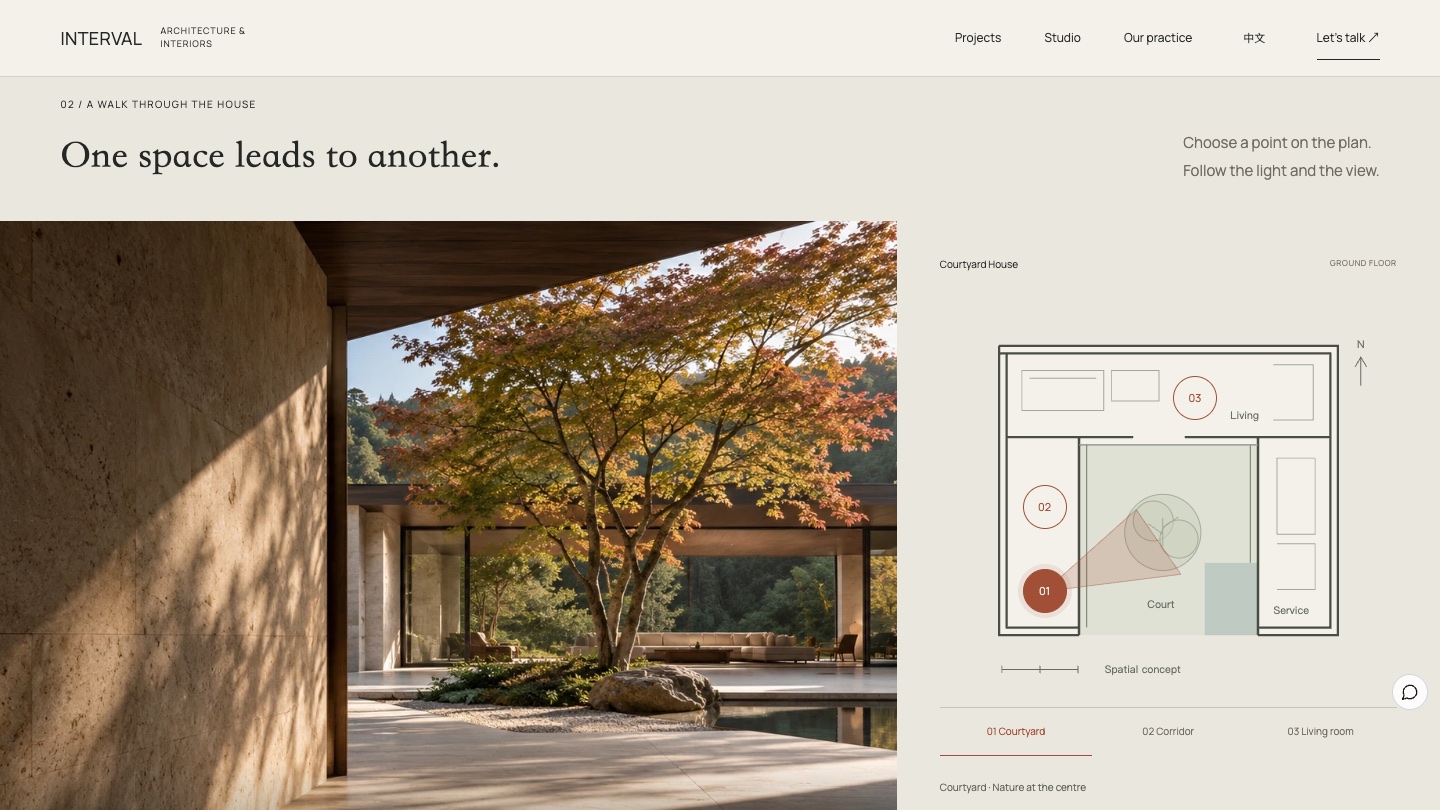
The studio cares about how spaces are used and the everyday life that slowly unfolds in them. The home page's memorable thread is a tree: several views of the same courtyard house all centre on one maple, and each point on the floor plan matches the feeling of one photo.
Visual language: paper white, charcoal and a touch of clay red
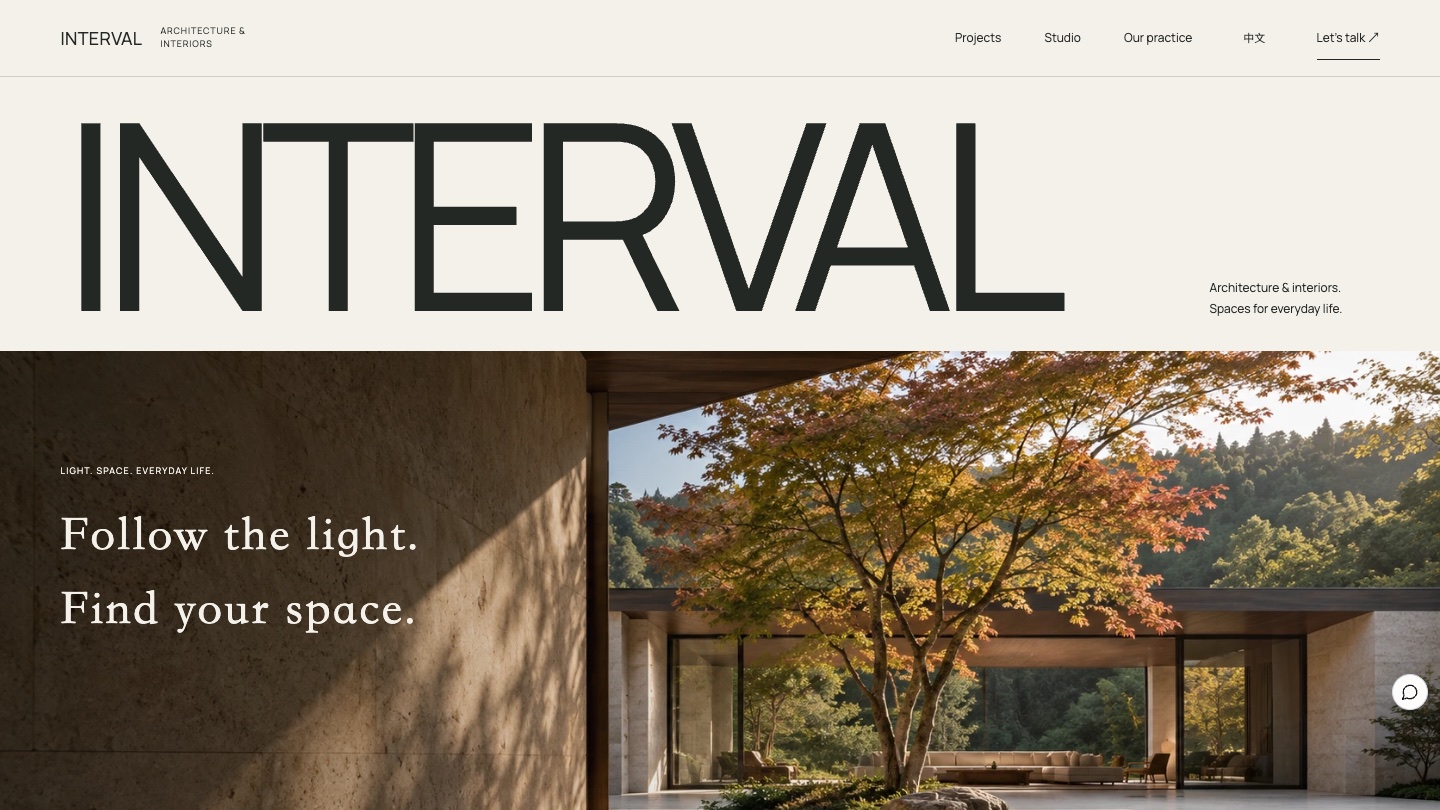
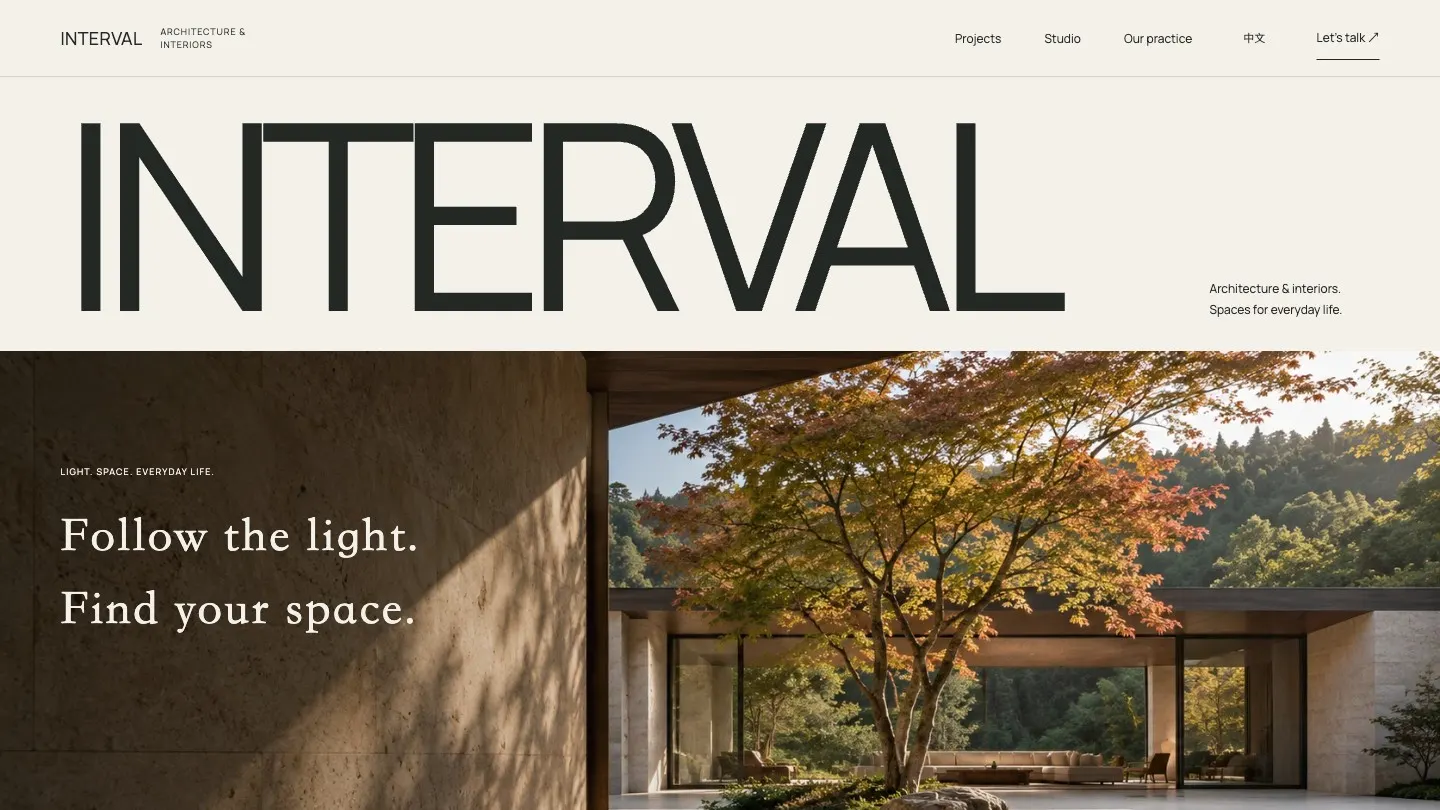
The page sits on paper white, with a large charcoal wordmark across the first screen. The photography keeps eye-level views, straight verticals and natural side light. Clay red fills only the inquiry section, giving the final action a clear landing point.
- Paper white
#F3F1EAPage background - Charcoal
#242824Wordmark and body text - Limestone
#716C61Secondary text and captions - Clay red
#A24F37Inquiry section background and key accents - Leaf grey
#D4D8CAFloor plan and supporting blocks
| Use | Typeface | Why |
|---|---|---|
| Wordmark and interface | Manrope | A wide, plain sans that feels architectural at large sizes |
| Note-like lines | Baskerville italic | Used sparingly, like a line a designer writes beside a drawing |
| Chinese | Songti | Matches the quiet character of the photography |
Four signature moments
Arrival
Follow the light, find your space
The INTERVAL wordmark sits above the courtyard photograph, and the first screen already offers "Step inside this home".
Works
Different spaces, everyday life
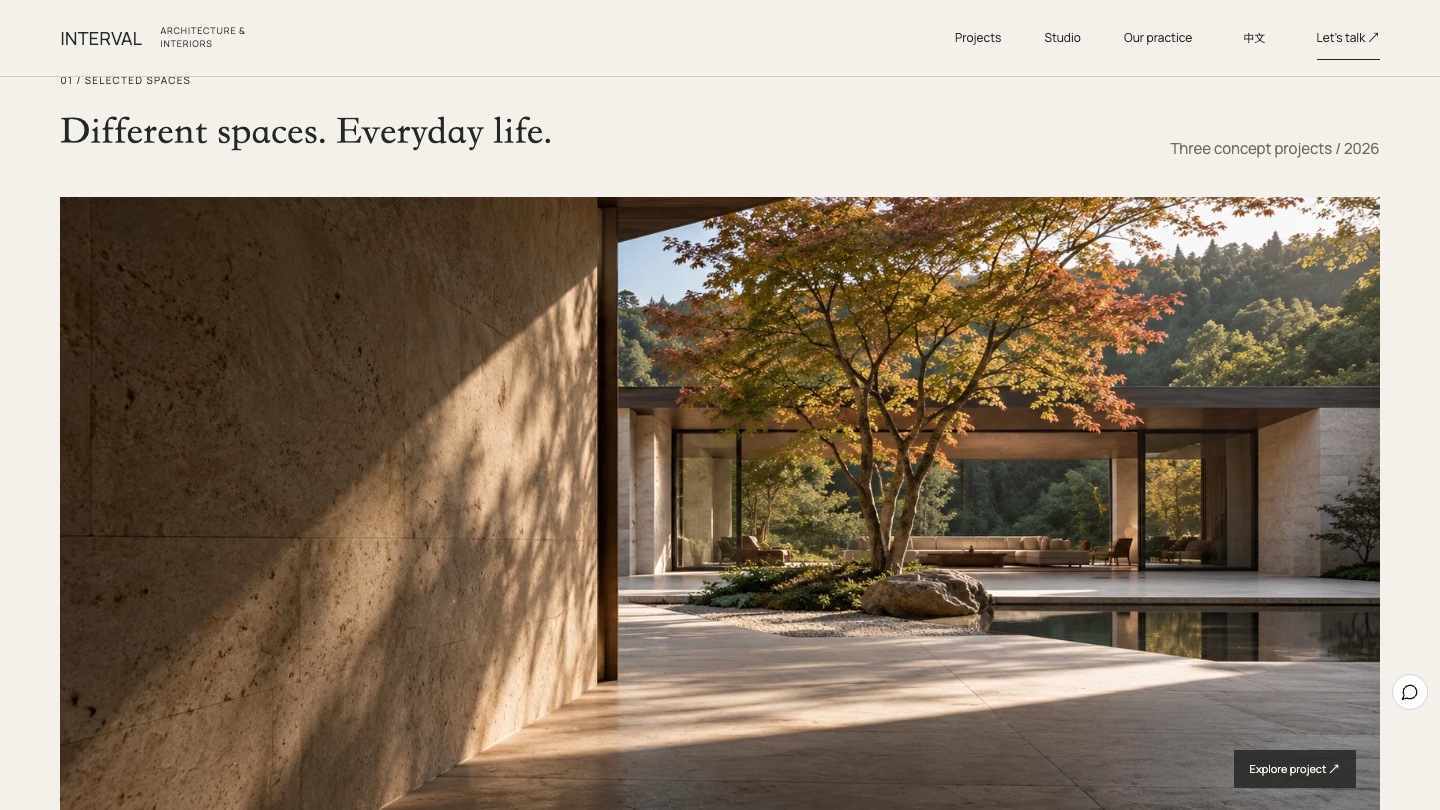
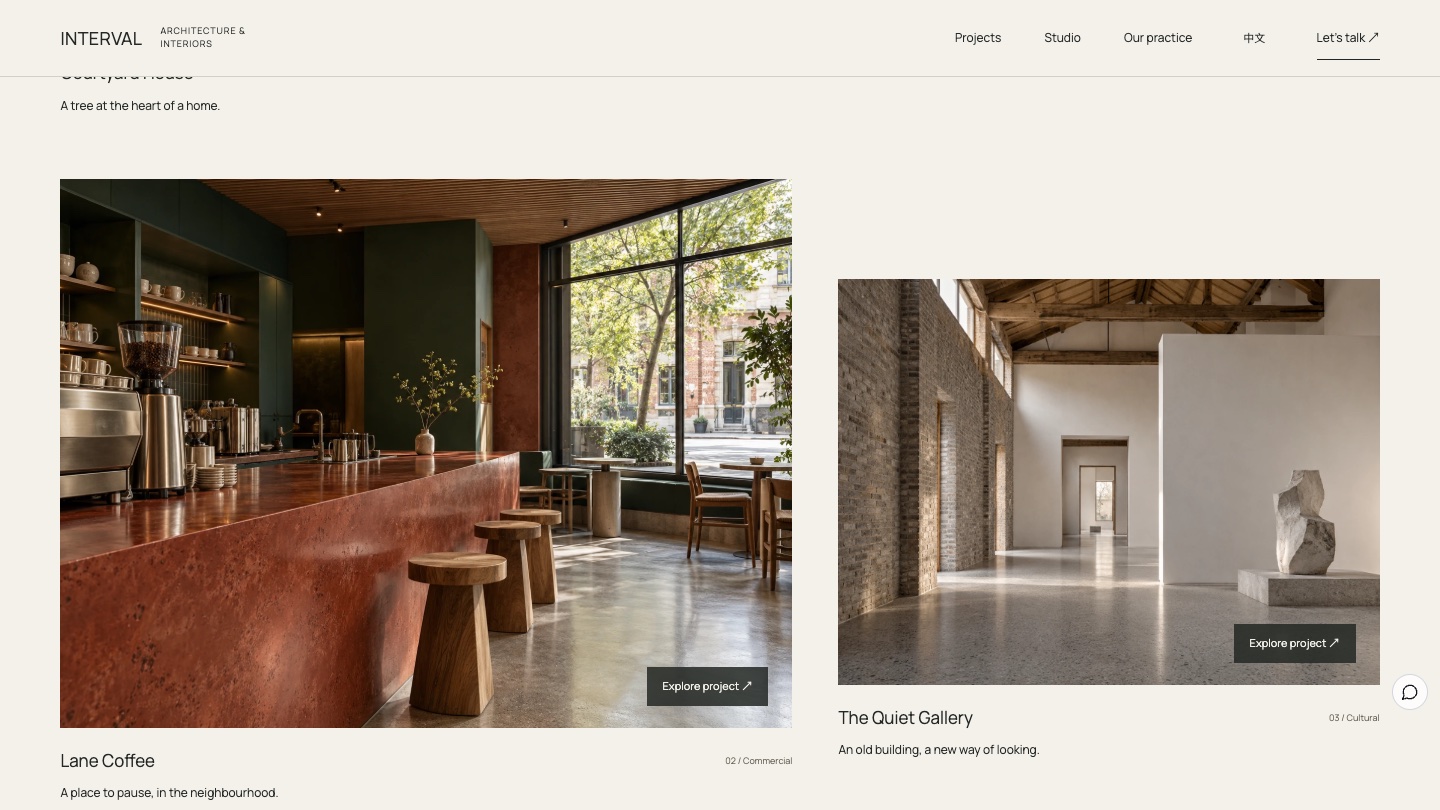
The house, coffee shop and gallery unfold in staggered frames. Each has a one-line design idea, and "Explore project" opens a detail page with a "Discuss a similar project" link.
Walkthrough
One space leads to another
Choosing one of three points on the floor plan switches the photo, view number and caption together, explaining how the rooms relate.
Practice
A little room for everyday life
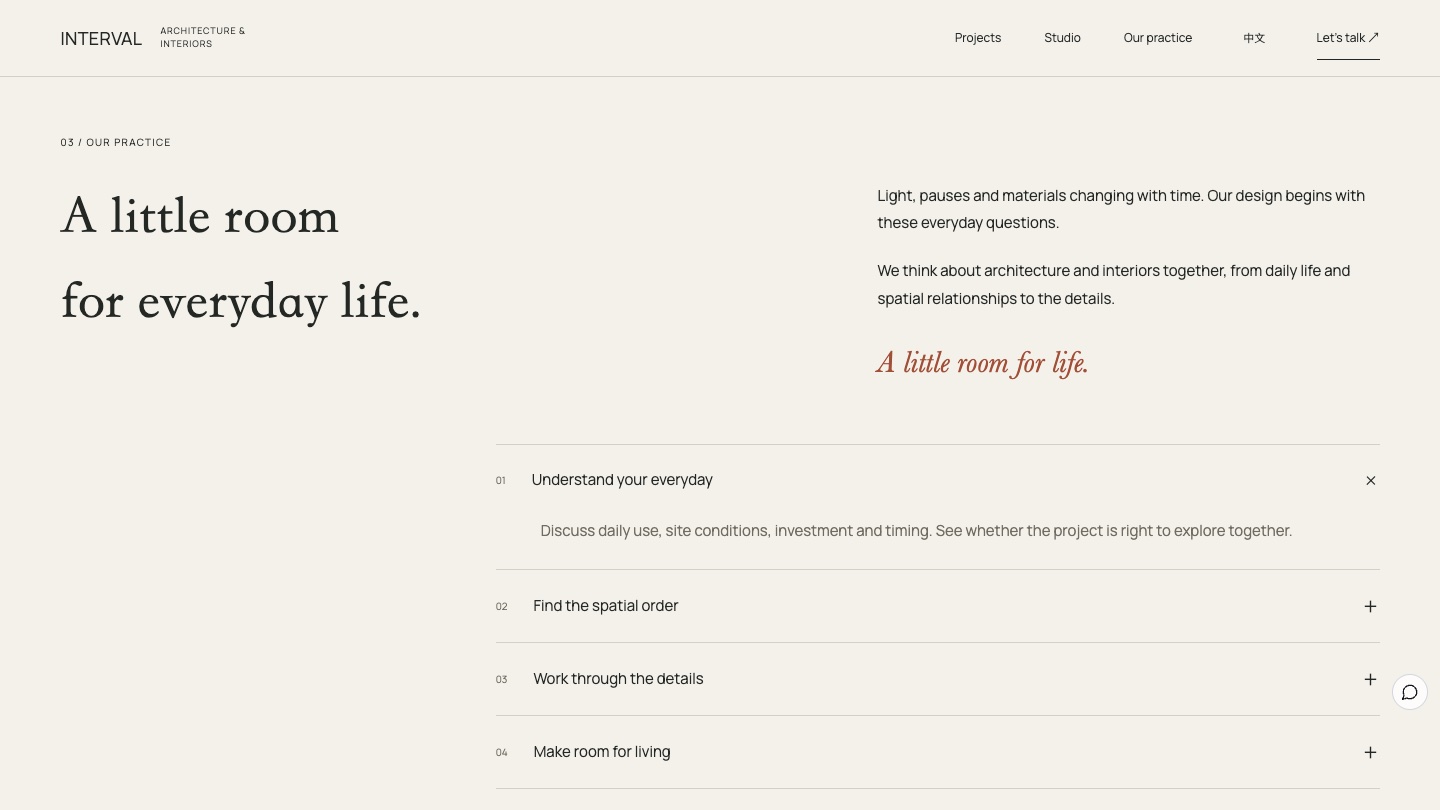
Four ways of working expand one by one, from understanding daily life to working through the details, including what is agreed in the commission.
The six-act storyboard
01
Opening: Follow the light, find your space
A large wordmark and the courtyard photograph set the first impression. The headline appears once, the image settles slowly, and the main link leads into the house.
02
Works: Different spaces, everyday life
The courtyard house leads in the largest frame, with its name, type and design idea visible together.
03
Works: A street corner and an old building
Lane Coffee and The Quiet Gallery sit in a staggered layout, with a clay red bar, old brick walls and timber beams explaining each project's material choices.
04
Walkthrough: One space leads to another
The photo takes about two thirds of the width, with the plan on the right. Choosing the courtyard, corridor or living room switches the photo and line of sight.
05
Practice: A little room for everyday life
The studio explains its focus through light, pauses and materials. Four working steps expand in turn, without promising a standard timeline.
06
Inquiry: What space do you have in mind?
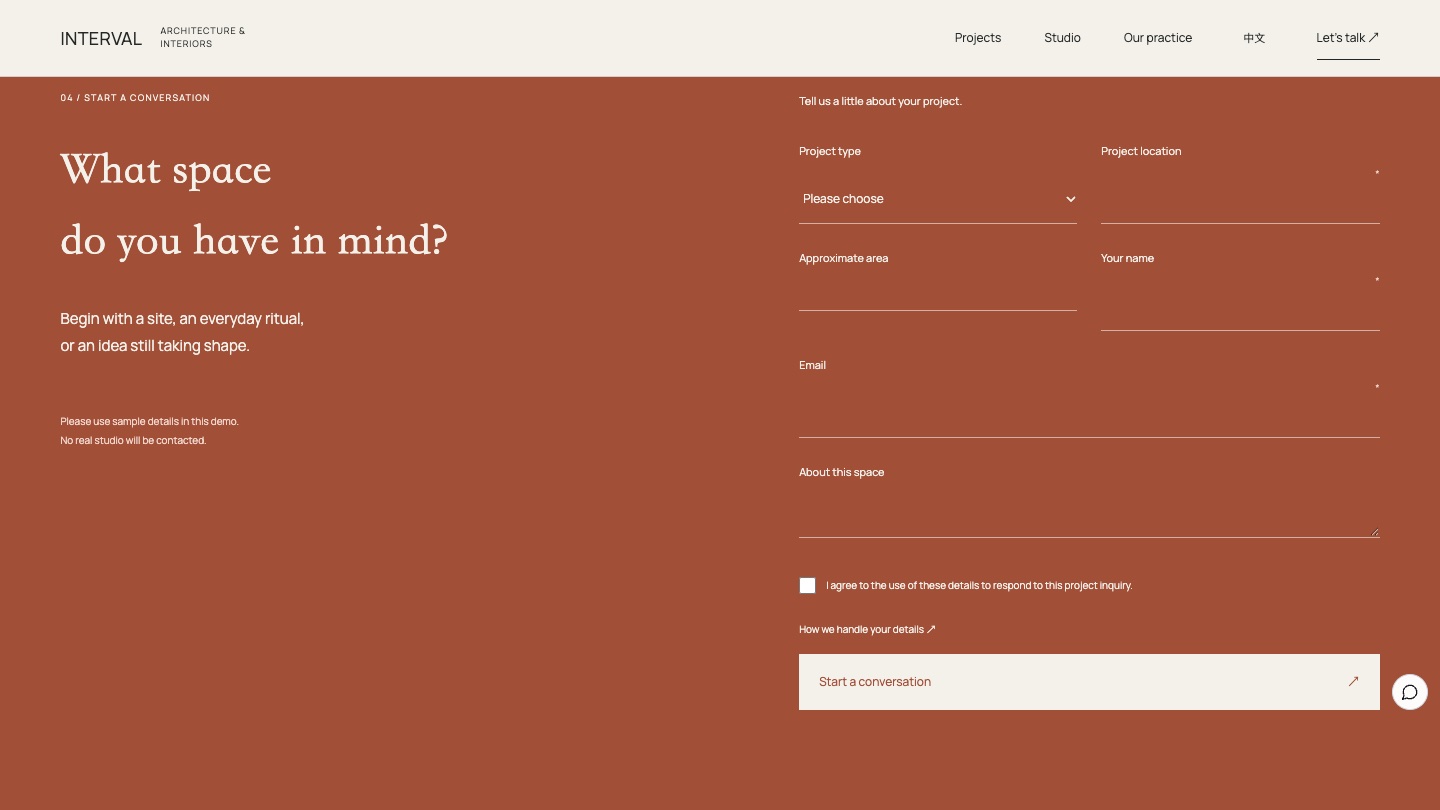
A clay red finish with a form that asks only for project type, location, size, name, email and a description. Arriving from a project page fills in the project type.
The floor plan walkthrough: from looking to understanding
The walkthrough is INTERVAL's most distinctive design. Photos answer "is it beautiful?" and the plan answers "where is it, and how do you move through it?" Each of the three camera positions matches a point on the plan, so visitors see the space from wherever they choose. On phones, visitors see the photo first and then use the plan, with nothing lost.
The walkthrough is accessible too. The plan points are real buttons with screen reader labels such as "01 Courtyard" and a selected state, so they work from the keyboard. That matches W3C WCAG 2.2 requirements for operable controls. The page also notes that the images are concept visuals and spatial diagrams, not construction documents.
From work to inquiry
Every project page has a "Discuss a similar project" link that fills in the project type on the inquiry page. The form uses Foundax's native forms, so submissions reach the dashboard for the studio to follow up. The projects, studio introduction and way of working are all pages that can be edited directly in the editor. To learn more, visit Foundax features.
A checklist you can reuse
- Show fewer projects and give each a one-line design idea, not just a name and a year.
- Link floor plans and photos to explain how spaces connect and let visitors "walk in".
- Break your way of working into steps and state what is agreed in the commission.
- Ask only what you need to judge a project, and fill in the project type from the project page.
- Mark the final action with one strong but restrained colour.
- State the limits of concept images and never present them as built work or construction documents.
FAQ
Does a small portfolio look less professional?
A few well-explained projects show design ability better than a full wall of images. When each project explains its idea, materials and spatial relationships, clients can judge fit more easily.
What do I need for a floor plan walkthrough?
A simplified floor plan, photos taken from a few positions and one line for each position. To use your own project, replace the plan, photos, points and captions together.
Is INTERVAL a real studio?
No. INTERVAL is a fictional brand created by the Foundax team. All its projects are concepts, and the form in the case is a demo.
Can I start my own website from this design?
Yes. On the INTERVAL case page, choose "Start with this template". After signing up, a website is created from this case, ready for your own projects and studio information. For design methods across industries, see the brand website design guide.