AI Website Builder Maintenance: What Happens After Launch?
AI can generate a website quickly, but ecommerce teams still need ownership for content updates, product data, checkout, analytics, SEO, localization, and operational maintenance.
Read more
A practical DTC checklist for what to verify after an AI website builder creates the first store: SEO, product data, Google channel checks, analytics, policies, localization, and iteration.
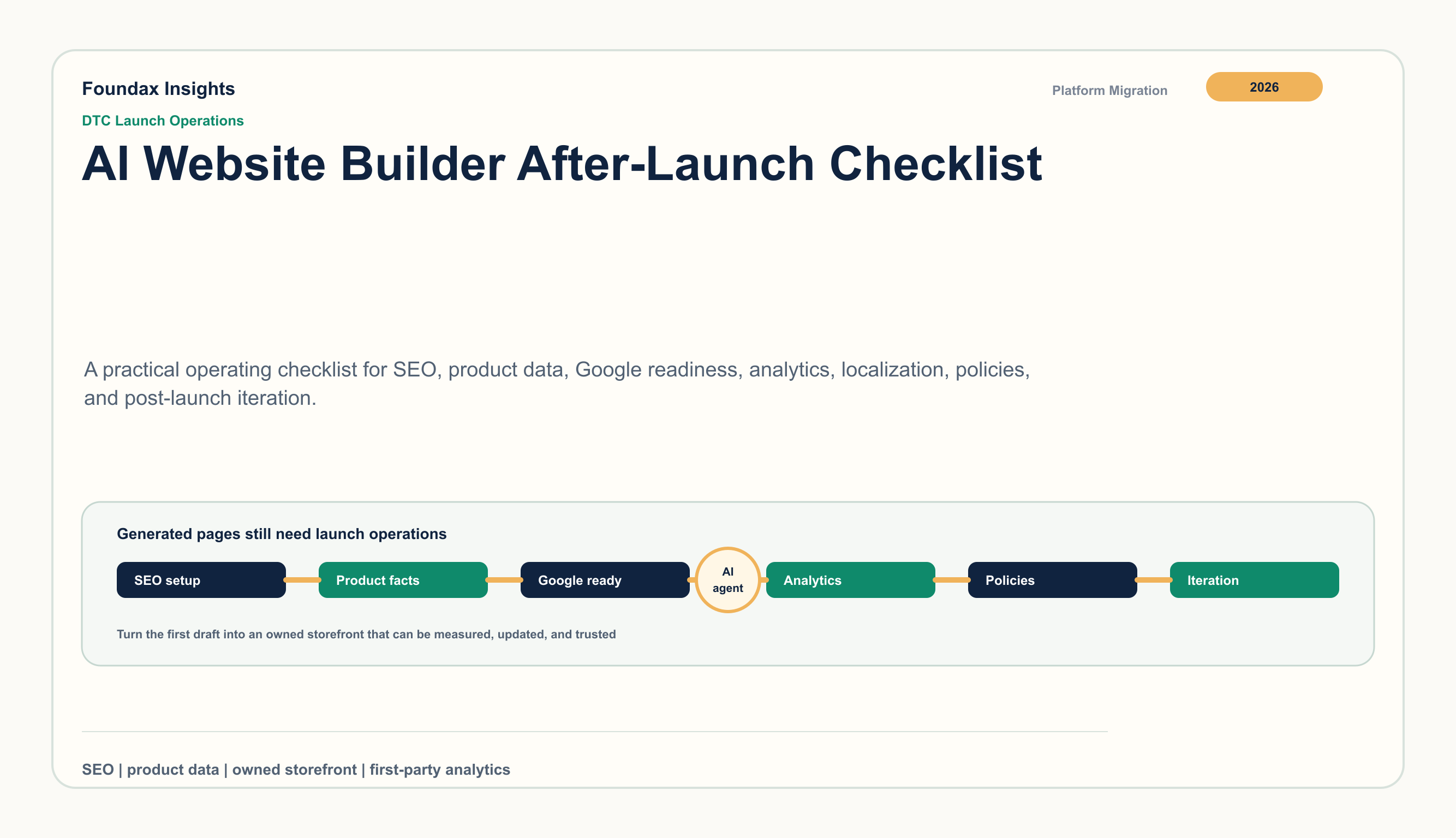
AI website builders reduce the time needed to get from idea to a usable storefront draft. That speed is valuable for DTC teams because product pages, collection pages, brand sections, and basic checkout paths can appear much earlier in the launch process.
The important work starts when the first version exists. A store becomes durable when its pages can be crawled, product facts can be trusted, Google surfaces receive aligned data, analytics can explain behavior, policies match the buying promise, and the team has a repeatable update routine.
Before generation, the question is: can the team get a credible storefront online? After generation, the question becomes: can the team operate it without creating hidden gaps?
Use this seven-part checklist after an AI builder produces the first storefront:
| Area | What to verify | Why it matters |
|---|---|---|
| Site SEO | metadata, sitemap, robots, canonical paths | crawlability and search presentation |
| Product facts | titles, prices, availability, images, variants | buyer trust and machine readability |
| Google channel checks | Search Console, Merchant Center, product data | channel eligibility and diagnostics |
| Analytics | sessions, product events, checkout, returns | post-launch decisions |
| Policies | shipping, tax, returns, privacy, support | expectation management |
| Localization | language, currency, market promise, hreflang | international consistency |
| Iteration | content updates, issue logs, release cadence | long-term asset quality |
Generated pages need a technical SEO pass before promotion. Start with the pages that should bring in organic traffic: home, collections, PDPs, buying guides, policy pages, and any content hub.
Check these items:
Foundax maps this work into site SEO settings, sitemap and robots behavior, locale-aware metadata, and publish channel checks, so teams can review discoverability before a generated page becomes the public storefront.
Google Product structured data can make product information eligible for richer Search experiences when the data is valid and visible facts are consistent. Merchant Center product data specifications also make complete and accurate product attributes central to shopping workflows.
For each priority product, verify:
AI-generated copy can be a strong starting point, but product facts need a governed source of truth. The public page, structured data, and merchant feed should not drift from one another.
A launch-ready store needs Google diagnostics. Search Console helps teams verify ownership, submit sitemaps, inspect query and indexing signals, and watch Core Web Vitals groups. Merchant Center adds product-data checks, landing-page alignment, and shopping-surface diagnostics.
After launch, check:
Foundax supports Search Console verification and sitemap submission, plus Google Merchant Center preflight and sync workflows that check product data before sending it into the channel.
Page generation does not answer what happens after buyers arrive. A useful post-launch analytics setup separates discovery, product evaluation, checkout friction, and retention signals.
Review these events and dimensions:
Foundax uses first-party analytics as the core operating view and GA4 as supplemental diagnostics. That gives teams a way to compare page changes, product-data changes, content updates, and channel feedback over time.
A generated store can look complete while its operational promise is still vague. Buyers need to know how shipping, taxes or duties, returns, privacy, and support work before they commit.
Check the public promise in five places:
The language should be consistent. If the product page says one delivery window and the policy page says another, the issue is not copy quality; it is launch quality.
International stores need more than translated UI. Each market version should align language, price, currency, product attributes, policy details, SEO metadata, hreflang, and analytics segmentation.
Before promoting a new locale, check:
Foundax can connect multilingual content operations with product records, SEO metadata, Product JSON-LD, sitemap behavior, and analytics, which makes localization easier to maintain after launch.
The strongest post-launch stores have a review rhythm. Teams inspect data, update pages, repair product attributes, publish supporting content, and keep policies aligned with operations.
A practical 30-day cadence:
AI can accelerate the first draft. The lasting advantage comes from a system that keeps the storefront accurate, measurable, and improving.
Foundax is built for the work that follows the generated draft: site SEO configuration, sitemap and robots behavior, PDP Product JSON-LD, strict Google Merchant Center preflight and sync, Search Console verification and sitemap submission, Content Studio publishing, multilingual content operations, first-party analytics, and GA4 supplemental diagnostics.
That combination lets DTC teams treat a storefront as an owned operating asset. Product facts, public pages, Google channel checks, content, localization, and measurement can be reviewed together instead of being scattered across unrelated tools.
Check site SEO, sitemap and robots, Product JSON-LD, product data, Search Console, Merchant Center channel checks, analytics, policies, localization, and a post-launch update cadence.
They need review before promotion. Titles, descriptions, canonical paths, structured data, product attributes, price, availability, image quality, internal links, and merchant data should all match the public buying experience.
Analytics should be ready before paid traffic or launch announcements. Teams need baseline visibility into sessions, product views, add-to-cart, checkout, purchases, refunds, returns, and support themes from the first week.
Merchant Center helps teams evaluate product data, landing-page alignment, item warnings, and shopping-surface diagnostics. For stores with product discovery goals, it is part of the operating workflow rather than a one-time setup task.
Foundax connects generated storefront work with SEO metadata, Product JSON-LD, Google channel checks workflows, Content Studio, multilingual publishing, and first-party analytics, so teams can keep product facts and public pages aligned over time.