GEO vs SEO สำหรับแบรนด์ ecommerce: อะไรเปลี่ยนเมื่อการค้นหากลายเป็นชั้นคำตอบ
GEO ไม่ได้มาแทน SEO แต่ทำให้มาตรฐานของหลักฐานสูงขึ้น หน้า product, content, feed, structured data และ analytics ต้องรองรับทั้ง ranking และการสร้างคำตอบ.
อ่านเพิ่มเติม
กระบวนการทำงานสำหรับทีม DTC ในการตรวจว่าสินค้าถูกค้นพบผ่าน Google AI, ChatGPT Shopping, Merchant Center, structured product data, feed และ first-party analytics อย่างไร
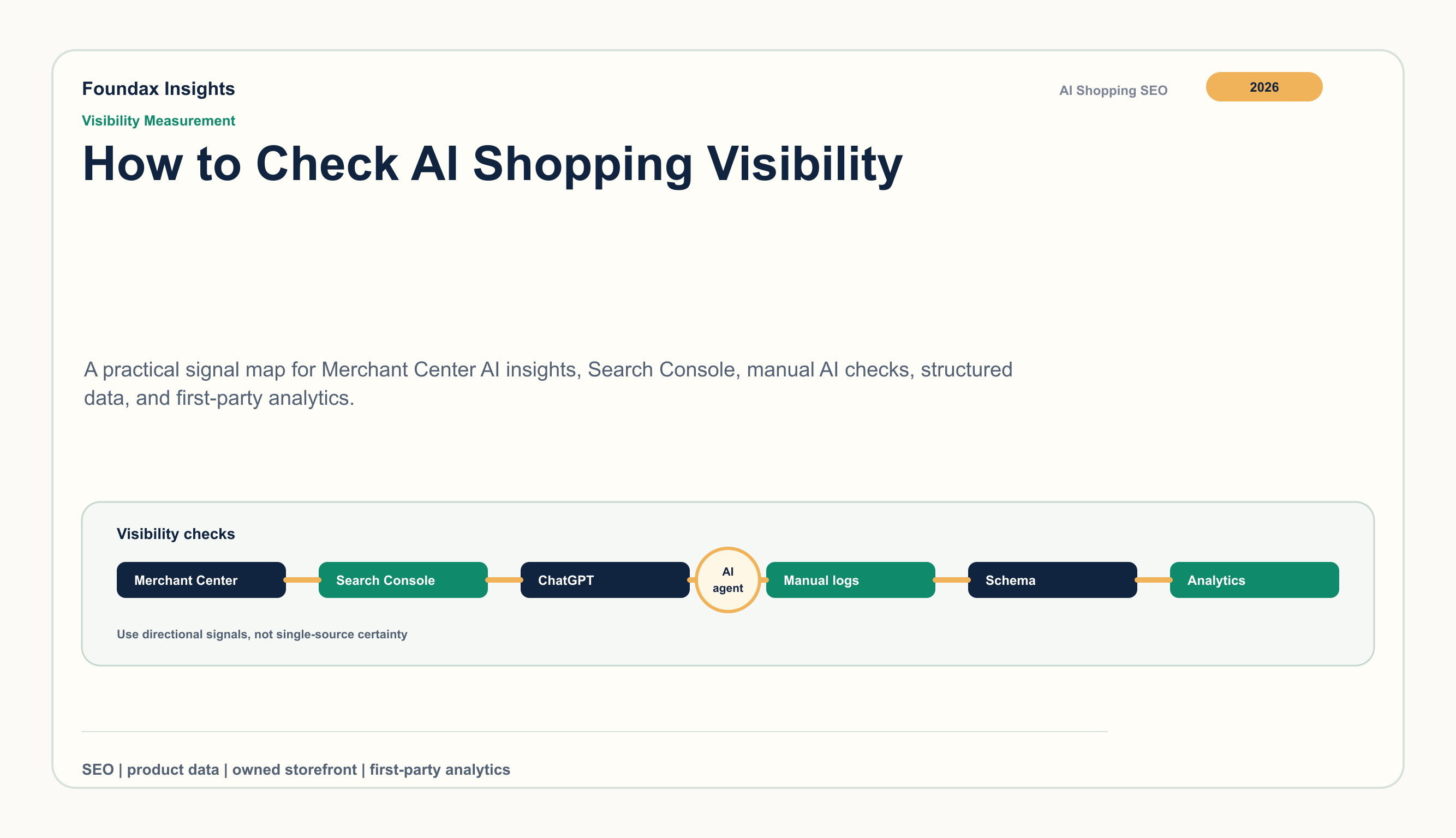
AI Shopping visibility กำลังกลายเป็นอีกชั้นหนึ่งของ ecommerce SEO ไม่ใช่แค่ถามว่าหน้าสินค้าถูก index แล้วหรือยัง แต่ต้องดูว่า Google, ChatGPT, Gemini และผู้ช่วยช้อปปิ้งอื่นอ่าน facts ของสินค้าได้ไหม เห็นว่าข้อมูลใหม่และสอดคล้องกันไหม และจับคู่กับคำถามจริงของผู้ซื้อได้ไหม
สำหรับทีม DTC คำถามที่ใช้งานได้จริงไม่ใช่ “เราโผล่ทุกที่ไหม” แต่คือ เมื่อผู้ซื้ออธิบายความต้องการที่ใกล้กับสินค้าของเรา ระบบ discovery เข้าใจ catalog ของเราไหม อธิบายสินค้าได้ถูกต้องไหม และส่ง traffic ที่มี intent กลับมาที่หน้าที่เราควบคุมได้ไหม
สิ่งนี้ต้องวัดด้วย routine ที่ทำซ้ำได้: product set คงที่, query set คงที่, platform diagnostics, manual AI Shopping checks, structured data review, feed review และ first-party analytics
Screenshot มีประโยชน์เมื่ออยู่ในระบบการวัด ก่อนเริ่ม test ให้กำหนดสัญญาณ 4 กลุ่ม
สิ่งนี้ช่วยให้ทีมไม่ตัดสินจากคำตอบ AI เพียงครั้งเดียว และเปลี่ยน visibility ให้เป็น monthly review สำหรับ merchandising, SEO และ growth
อย่าเริ่มจาก catalog ทั้งหมด เลือก 20-50 รายการก่อน
สำหรับแต่ละสินค้า ให้บันทึก canonical URL, title, brand, price, sale price, availability, main image, target market, language และ page version ที่ใช้ทดสอบ เมื่อ page หรือ feed เปลี่ยนภายหลัง จะรู้ว่า signal ไหนมาจาก version ไหน
คำถามใน AI Shopping มักยาวและมี context มากกว่า keyword ปกติ เช่น
เตรียม 5-10 queries ต่อสินค้า ครอบคลุม use case, budget, material หรือ attribute, comparison และ market context คง wording ไว้เหมือนเดิม ถ้า prompt เปลี่ยนตลอด จะเทียบผลไม่ได้
เริ่มจากระบบที่ให้ feedback กับ merchant โดยตรง
Merchant Center AI insights คือจุดแรกถ้ามี access เอกสาร Google Merchant Center อธิบาย insights สำหรับ AI Mode, AI Overviews ใน Search และ Gemini โดยมี visibility, product terms, funnel และ attribute completeness signals ใช้ดูว่า AI discovery เชื่อมกับคำสินค้าและคุณภาพ catalog อย่างไร
Merchant Center diagnostics คือชั้นถัดไป ตรวจ disapproval, limited eligibility, missing identifiers, image issues, price mismatch, availability mismatch, shipping/return gaps และ feed issues รายประเทศ สินค้าที่ไม่พร้อมใน Merchant Center มักอ่อนแรงใน AI Shopping ด้วย
Search Console ใช้อ่านฝั่ง public page เอกสาร Google AI features อธิบายว่า clicks, impressions และ positions จาก AI features เข้าไปอยู่ใน Search Console ให้ดู PDP impressions, long queries, landing pages และ before/after ของสินค้า set เดิม
AI Shopping systems สร้างความมั่นใจจากหลายแหล่ง ในแต่ละ PDP ให้ตรวจ
เป้าหมายไม่ใช่ใส่ keyword ให้มากขึ้น แต่คือทำให้ข้อมูลไม่คลุมเครือ ถ้า page, feed, size chart และ reviews พูดกันคนละทาง ต้องจัด product facts ให้เป็นเรื่องเดียวกัน
งานจริงมักเจอตรงนี้ เทียบ PDP copy, Product JSON-LD, Merchant Center fields, image data, variant mapping, shipping/return/payment pages และ localized page ของ target market
มองหา conflict ก่อน เช่น ราคาเก่า sale price ไม่เข้า feed mapping สีหรือ size ไม่ชัด รูปไม่ตรง SKU policy แต่ละ market ไม่เหมือนกัน หรือ claim ในเนื้อหาไม่มี structured fact รองรับ
สำหรับ AI Shopping ความสอดคล้องคือ growth asset เพราะช่วยให้ search systems, shopping surfaces และลูกค้าเข้าใจสินค้าชิ้นเดียวกันแบบเดียวกัน
Manual check ช่วยให้เห็นว่า AI เข้าใจ category อย่างไร ให้บันทึก date, market, device, account state, product URL, exact prompt, tested surface, result type, repeated facts, missing facts และ next action
อย่าบันทึกแค่ว่าสินค้าโผล่หรือไม่ ให้ดูว่า assistant พูดซ้ำเรื่องอะไร ถ้า “dishwasher safe”, “for narrow feet”, “sulfate-free” หรือ “ships from US” โผล่บ่อย ข้อมูลเหล่านี้ควรถูกจัดเป็น product facts ที่ชัดเจน
ติดตาม PDP sessions, engaged sessions, search/referral changes, add-to-cart, assisted conversions, repeat visits, brand search และ market-level changes หลัง localization หรือ feed cleanup
จดวันที่ทำงานทุกครั้ง เช่น Product JSON-LD update, feed fix, PDP rewrite, buying guide, sitemap submission เพื่อเห็นความสัมพันธ์ระหว่างงาน operation กับ traffic หรือ conversion
| Signal | ปัญหาที่เป็นไปได้ | Next action |
|---|---|---|
| สินค้าโผล่แต่ facts ผิด | Page, feed, schema ไม่ตรงกัน | แก้ product facts ที่ต้นทางแล้ว submit data ใหม่ |
| Competitor โผล่ใน attribute queries | Attribute ขาดหรือ copy กว้างเกินไป | เพิ่ม attributes, use cases และ comparison context |
| Impressions มีแต่ click อ่อน | Snippet หรือ positioning ไม่ชัด | ปรับ title, meta description, intro และ offer |
| Merchant Center มีปัญหา | Feed หรือ policy ยังไม่พร้อม | แก้ blocking issues ก่อน |
| AI ตอบแค่ category advice | Context รอบสินค้าไม่พอ | ทำ guide, comparison page หรือ FAQ |
| Traffic ขึ้นแต่ conversion ไม่ขยับ | Landing page trust หรือ offer อ่อน | ตรวจ price, shipping, returns, reviews และ speed |
Foundax รวมส่วนที่ทีม DTC ควบคุมได้: product facts, public pages, feed-page alignment, content, localization และ measurement
Workflow คือดูแล product data ให้สะอาด publish PDP พร้อม server-side Product JSON-LD รัน Google Merchant Center preflight ก่อน sync ทำ Search Console verification ส่ง sitemap publish supporting content ใน Content Studio แล้วดูผลใน first-party analytics โดยใช้ GA4 เป็น diagnostics เสริม
คือความสามารถที่ AI shopping assistants และ AI-powered search experiences จะเข้าใจ อ้างอิง อธิบาย และส่ง traffic ไปยังสินค้าของคุณเมื่อมีคำถามซื้อของที่เกี่ยวข้อง
เริ่มจาก product set เล็กๆ แล้วดู Merchant Center AI insights, diagnostics, Search Console, Product structured data, feed consistency, manual prompts และ analytics
ใช้ prompt เดิมตาม market และ language บันทึกว่าสินค้าคุณหรือ competitor โผล่ไหม facts ไหนถูกพูดซ้ำ ขาดอะไร และ product data ไหนต้องแก้
เดือนละครั้งสำหรับ catalog ที่นิ่ง และเร็วกว่านั้นหลังเปลี่ยน price, stock, feed, images, template, policy หรือ localization